
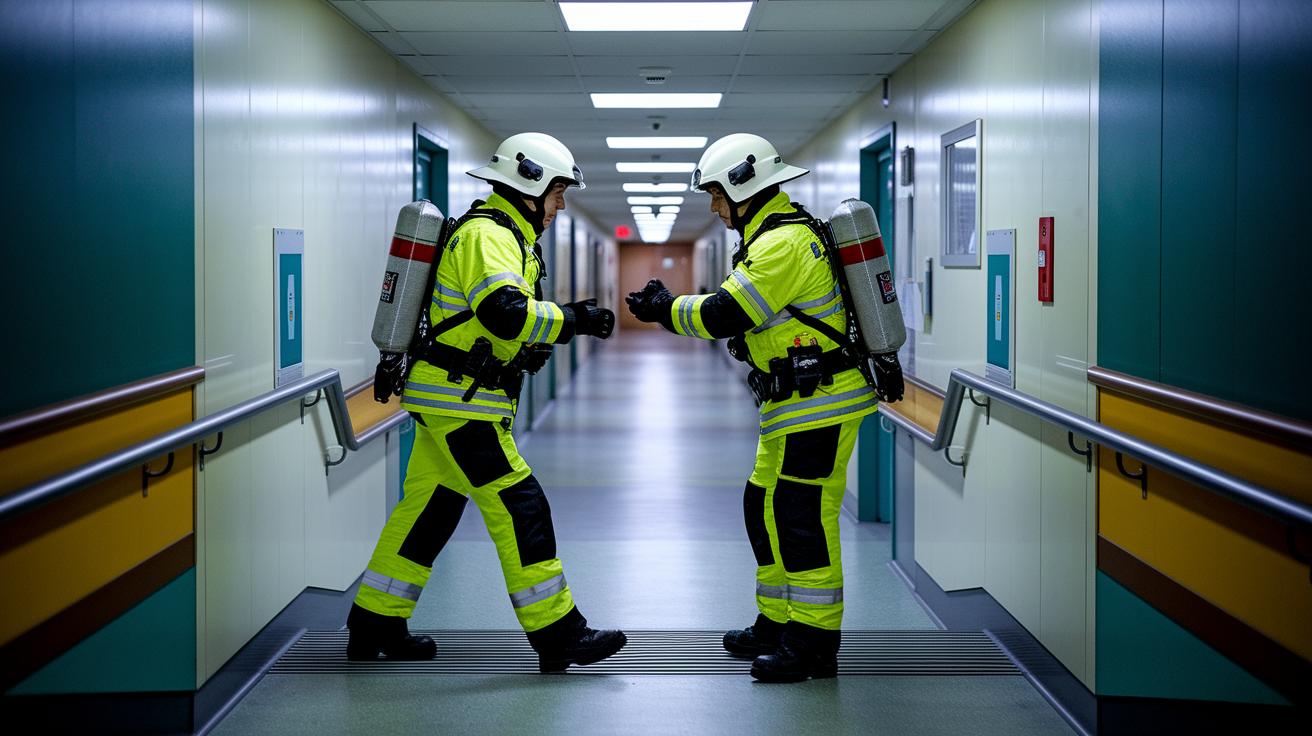

Quick take: One click can link you to help fast when you need it most.
If you have signs of a severe emergency, such as trouble breathing, chest pain, or sudden weakness, call emergency services immediately. If you aren’t sure, it’s best to get help quickly.
Every second counts in an emergency. Modern response systems let you press a button to connect with trained professionals in seconds. This speedy connection helps reduce delays in getting care whether you're at home or on the move.
This post shows how these tools work and why quick action can lead to safer outcomes.
Emergency Response System: Fast Action, Safe Outcomes
Quick take: These systems quickly connect you to help in a crisis.
If you feel unsafe or need immediate help, call emergency services. Emergency response systems are built to offer fast support when a problem arises. They connect you directly to trained professionals wherever you may be. With one simple button press, you start a call for help. This quick action can reduce delays in receiving care.
There are two main types. Personal Emergency Response Systems (PERS) work at home without a landline. Mobile PERS (mPERS) let you stay safe on the go. For example, Clear Arch Health offers both types using U.S.-based operators and 24/7 call centers to watch every alert. Some devices even include Automatic Fall Detection. This feature sends an alarm if you fall and cannot press the help button. The DUO platform takes it a step further by combining traditional alerts with remote patient monitoring and remote life safety over AT&T 4G LTE. It keeps watch on you whether you are indoors or out.
Key features:
| Feature | Description |
|---|---|
| 24/7 Monitoring | Help is always available |
| GPS Location | Sends your position during an emergency |
| Fall Detection | Alerts someone if you fall |
| Two-Way Communication | You can speak directly with a responder |
| Cellular Connectivity | No need for a landline |
These systems empower you to live more independently. They offer immediate crisis intervention and a safety net in critical moments. With round-the-clock oversight and strong connectivity, you get peace of mind knowing that help is never far away.
Key Technological Components in Emergency Response Systems
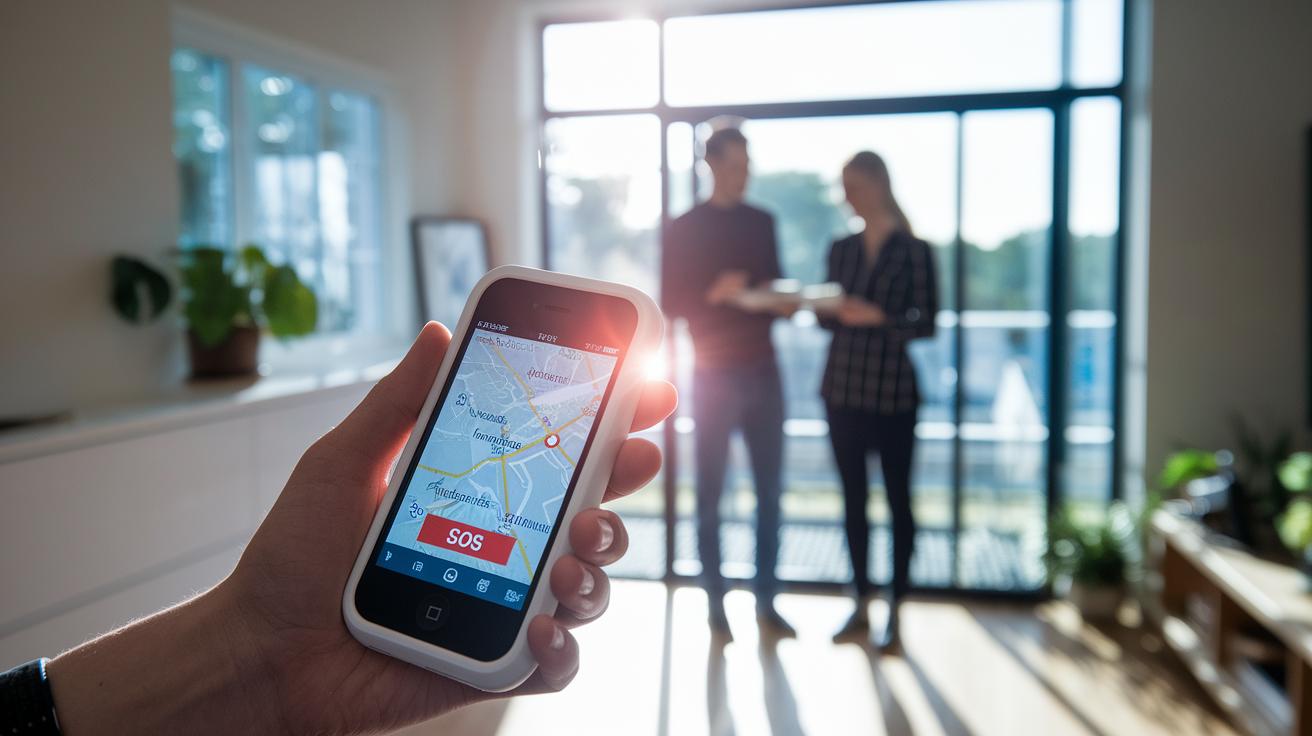
Modern emergency systems use strong cell signals, Wi-Fi, and backup systems. These layers work one after the other if one fails. They keep you in touch with responders at all times. This setup reduces delays and keeps the link steady during crises.
AT&T 4G LTE Connectivity
The DUO system uses AT&T 4G LTE to keep you connected whether you’re at home or on the move. Think of it as a lifeline that stays active even when regular wires aren’t working.
GPS Tracking and Location Services
The SOLO mobile device uses accurate GPS (a system that shows your location) along with a two-way talk feature. When you press the help button, responders get your exact spot so they can find you quickly, similar to a built-in tracking tool.
Fall Detection Technology
Sensors and tilt detectors in these devices automatically send alerts if they sense you have fallen. This feature calls for help when you can’t press the button, adding another layer of safety.
Wearable devices and connected tools (part of the Internet of Things) play a key role in crisis communication. They send live updates that make the safety network quick and responsive to your needs.
Types of Emergency Response Systems and Use Scenarios
Emergency response systems come in many forms to meet your specific needs. Whether you stay at home or are often on the move, these devices help you get help quickly during an emergency. They are designed to support senior safety alerts and personal emergency alerts at home, in assisted living, or within community networks.
Home Emergency Response Systems
HOME is a dedicated alert system for your house. It works without a landline so you can call for help even if you don't have a phone line. Its straightforward design lets you get help fast, making it perfect for home use.
Mobile Emergency Response Systems
Mobile options like SOLO and MICRO keep you safe wherever you go. SOLO has GPS tracking, two-way communication (so you can talk directly to a helper), and an optional Fall Button for extra security during travel or errands. MICRO is a small wearable device with one button that connects you using a 4G network. Both are made for those who need alerting on the go.
Integrated Care Platforms
DUO combines regular emergency alerts with tools that monitor your health from afar. This system gives you real-time oversight and extra care, which is especially useful in assisted living or community settings where comprehensive monitoring is needed.
| System Model | Use Case | Key Feature |
|---|---|---|
| HOME | Private homes | Works without a landline to alert you fast |
| SOLO | On-the-go | GPS tracking and direct communication |
| MICRO | Wearable alert | Compact design with one-button access on 4G |
| DUO | Assisted living & community | Mixes alerts with health monitoring for full oversight |
Implementation Strategies for Emergency Response Systems

Quick take: This plan gives you low-cost access to safety tools, easy setup, and ongoing support.
Membership Advantage: For just $15 in your first year with auto-renewal, you get a free second membership plus an AARP subscription. You also receive helpful care guides like Prepare to Care Guides and the Complete Guide to Hands-on Caregiving. These guides simplify planning for emergencies and help you set up and use your system easily. Program Support Services help hospitals and health systems add these devices into their care plans smoothly.
Before you set up your device, make sure you have a stable Wi-Fi or cellular connection and a steady power source. Follow the clear digital alert registration and step-by-step instructions to keep the process safe.
- Unbox your device and check all the parts.
- Register the alert system through the digital setup.
- Place sensors in key areas to cover your home well.
- Train those who care for you on how to use the device and follow emergency rules.
- Connect the system with your current health IT services.
- Run a live test to make sure the system responds properly.
After installation, update your emergency plan often. Do regular checks of connectivity and sensor function to catch any issues early. This regular maintenance keeps your alert system efficient and your safety net strong for you and your loved ones.
Comparative Evaluation of Leading Emergency Response Systems
Choosing an emergency response system means getting help fast, having a reliable battery, and keeping costs in check. You need a system that acts quickly, stays powered when you need it most, and fits your budget. Below is a simple breakdown of top providers based on how fast they respond, how long their battery lasts, and how much they cost each month.
| Provider | Response Time | Battery Life | Monthly Cost |
|---|---|---|---|
| Medical Guardian | 30 sec | Up to 8 days | $40 |
| Bay Alarm Medical | 32 sec | Up to 7 days | $45 |
| MobileHelp | 38 sec | Up to 5 days | $24.95 |
| Medical Alert | 40 sec | About 5 days | $30 |
| LifeStation | 27 sec | About 6 days | $55 |
| LifeFone | 35 sec | Up to 10 days | $60 |
• Medical Guardian is a great all-around choice because it offers rapid response and strong battery life.
• Bay Alarm Medical impresses with its 7-day battery and top-notch customer support.
• MobileHelp is perfect if you're watching your cost, with a low starting price and clear fees.
• Medical Alert is excellent for caregivers, thanks to its simple, 5-star unboxing experience.
This side-by-side look helps you pick a system that meets your needs for fast, dependable help during an emergency.
Regulatory and Compliance Considerations for Emergency Response Systems
Traditional Medicare does not pay for emergency alert systems, though some Medicare Advantage plans may offer parts of these services. If you use traditional Medicare, you might need another funding option or a supplemental plan. Always check with your Medicare provider to see if your alert system is covered.
Medicaid coverage for safety alerts changes from state to state. Depending on your location, you could face extra out-of-pocket costs if your state’s Medicaid program does not fully cover the alert system. Some providers do not add extra fees beyond a monthly charge, but that is not true everywhere. It is a good idea to read your state’s Medicaid guidelines and talk with your healthcare provider to learn about any coverage gaps.
It is also important to review your insurance agreements and HIPAA rules (health privacy laws). Make sure your provider clearly explains any liability issues, privacy policies, and how your personal health details are kept safe under the law. This helps you understand your rights and confirms that your alert system meets legal and compliance standards.
Future Trends and Best Practices for Emergency Response Systems
Quick take: New tech can spot issues early and speed up care.
Cloud tech and smart computer tools are changing how emergency help works. Devices like DUO mix remote health checks with online alert systems. This means you get real-time updates and clear details about what’s happening.
New systems learn from your data. They watch for small changes in how you move that might signal a fall. When they notice these changes, they alert a caregiver before a problem gets worse. This smart approach can speed up help and cut down on injuries.
Predictive tools keep an eye on your health and movement over time. They study past events and current behavior to catch early warning signs of a crisis, like a fall or a sudden health change. When these signs show up, the system activates steps to keep you safe. Plus, built-in training and guided emergency steps help boost your readiness if an incident happens.
- Test the system regularly
- Train your caregivers
- Review protocols often
Final Words
In the action, you now have a clear look at how personal emergency alerts and mobile PERS work together in an emergency response system. We broke down key features like 24/7 monitoring, fall detection, and reliable connectivity. You saw how systems are set up, compared, and regulated to guide immediate, safe decisions. Keep this insight handy to act quickly when needed. Stay informed, take confident steps, and remember that preparation leads to peace of mind.
FAQ
Frequently Asked Questions
- What is an emergency response system?
- The emergency response system is a setup that connects you to 24/7 emergency operators using a single button press or automatic fall detection to get help during a crisis.
<dt>How do you activate the emergency response system?</dt>
<dd>
  The emergency response system activates when you press its help button, and some devices also trigger an alert automatically if a fall is detected.
</dd>

<dt>Has the EAS system ever been used?</dt>
<dd>
  The emergency alert system has been employed during real crises and tests to verify that it connects users to immediate help when needed.
</dd>

<dt>What time is the emergency alert test today?</dt>
<dd>
  The emergency alert test is scheduled according to local authority announcements; check local news or official alerts for the exact time today.
</dd>

<dt>What are the costs and options for emergency response systems, including free and top-rated choices?</dt>
<dd>
  Emergency response systems typically range from $20 to $60 per month, with some providers offering free trials. Options include top-rated services like Life Alert that support home and on-the-go help.
</dd>

<dt>Are personal emergency response systems covered by Medicare?</dt>
<dd>
  Traditional Medicare generally does not cover personal emergency response systems, but some Medicare Advantage plans may include them as part of their services.
</dd>

<dt>How do emergency response systems assist with CPR during an emergency?</dt>
<dd>
  Emergency response systems can provide CPR guidance via two-way communication, offering clear step-by-step instructions until professional help arrives.
</dd>