


Quick take: A five-step telehealth guide helps a nurse quickly decide the right care for your symptoms.
If you have any signs like severe pain or trouble breathing, call emergency services now.
• For less severe symptoms, follow this guide.
• The nurse will use a simple checklist to sort your symptoms.
• You will be guided to the right care spot, home care or the emergency room.
Sometimes you worry if you’ll get care fast. This clear five-step process turns confusion into action. A caring nurse checks your symptoms using easy steps and trusted guidelines. She then directs you to the best care for your needs. This system speeds up diagnosis and gives you peace of mind. It makes remote care faster and more reliable.
Telehealth triage process accelerates seamless remote care
This guide explains how telehealth triage helps you get the right care quickly. The process has five clear steps that ensure safe and timely care.
-
Call Intake – When you call, a nurse quickly gathers key details about your symptoms. They ask about your main complaint and any immediate worries. Using a simple checklist, they note how long you've had the symptoms, whether the pain is sharp or dull, and your basic medical history. This step creates a clear starting point for further care.
-
Symptom Assessment – Next, the nurse asks more questions about your health. They check for red flags such as chest pain, high fever, or severe shortness of breath (trouble breathing). This set of questions, based on trusted protocols, helps decide if your condition can be managed at home or if you need urgent care.
-
Triage Decision – With your information in hand, the nurse uses a symptom score to decide if your situation is emergent, urgent, or non-urgent. For example, high fever with rapid pulse and intense pain puts you in the high-priority group. This clear scoring guides you to the right level of care.
-
Care Recommendation – Once the urgency is clear, the nurse advises you on the next step. This might be simple self-care at home or a referral to a hospital or clinic. They use a step-by-step flowchart to explain what to do next. If you have dangerous signs, you’ll be told to seek care right away.
-
Documentation & Follow-Up – Finally, every detail from your call is entered into your electronic health record. This helps keep track of your history and supports follow-up care, whether through scheduled appointments or check-in calls to see if your self-care is working.
Each step is designed to give you clear, safe, and fast guidance from your first call through follow-up care.
Technology & Automation in the Telehealth Triage Process

AI tools and call-support software help speed up remote care while keeping costs down. These systems use smart formulas (algorithms) to sort symptoms fast. They quickly spot urgent issues so you get the right care without delay.
Cloud-based assessment tools let clinicians review your health data on their own time. You don’t always need to wait for a live call. Sharing information in real time helps care teams work faster and more accurately. Integration with scheduling tools, care management systems, and electronic health records keeps all your details in one place.
Telemonitoring devices automatically send key health readings. With AI support, these devices compare current signs to your past history to spot problems early. This system cuts down on manual data entry and reduces errors. The result is a smoother, safer telehealth triage process that gets you prompt and effective care.
Decision-Making Criteria & Protocol Frameworks
Nurses follow a careful, nurse-led screening process based on trusted Standards of Care from well-known ambulatory care nursing groups. This approach uses simple flow charts that match your symptoms with risk levels. It helps nurses decide how quickly you need telehealth care.
If you have warning signs like chest pain, hard breathing, or a high fever, care escalates quickly. The system works in clear steps:
- Ask specific questions about your symptoms.
- Compare your answers with set risk levels.
- Use extra questions if needed based on your early answers.
This method also looks at small differences in symptoms. For example, if you feel a little chest tightness without other severe signs, you may be advised to keep an eye on your symptoms at home and follow up with a telehealth consult. In short, if you have chest tightness with no other red flags, track your discomfort and note any changes. This helps decide the next steps.
By combining these detailed steps with established telehealth procedures, nurses can quickly decide if your care can be done remotely or if you need to be seen in person.
- Ask specific symptom questions.
- Review answers against risk levels.
- Follow extra steps based on your responses.
Benefits & Challenges of the Telehealth Triage Process
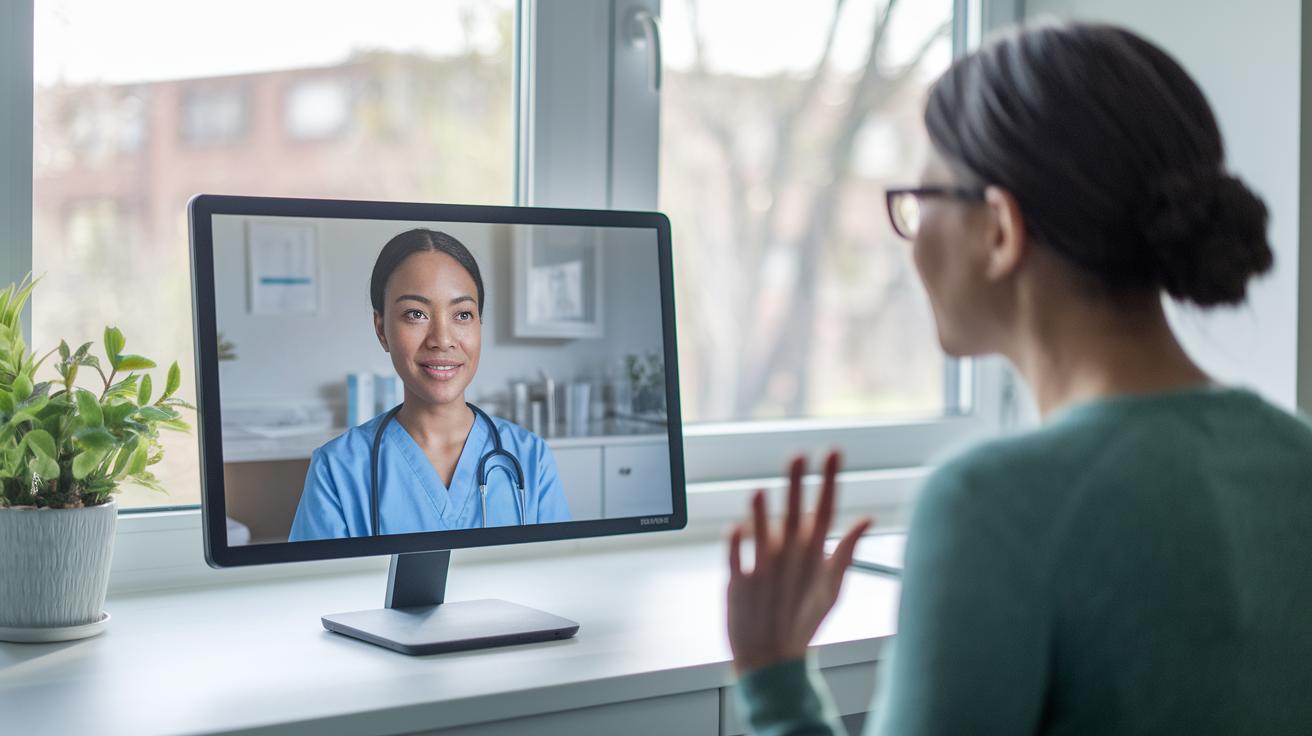
Telehealth triage helps you get care fast while easing pressure on busy emergency rooms and clinics. With this system, you can talk to a healthcare professional any time of day, which cuts down on wait times and fits well with modern, value-based care.
Healthcare providers use nurse call centers and digital tools powered by AI (computerized helpers) to lower costs and speed up care. These smart systems sort patients so that only those who need in-person visits get directed to a clinic. This approach helps prevent delays and cuts unnecessary trips.
However, there are some challenges. Nurses need solid training to handle digital symptom questionnaires and decision trees properly. Upgrading older systems to work with new cloud-based solutions can be tricky. Some patients may struggle with technology, which may delay symptom reporting or cause misunderstandings.
Key benefits include:
- Reducing crowding in emergency departments
- Lowering costs with AI and call center support
- Increasing patient satisfaction with round-the-clock access
Key challenges include:
- Requiring thorough nurse training to ensure proper use of digital tools
- Facing difficulties with integrating old systems and new technology
- Addressing gaps in digital skills that can affect patient care
Visual Aids & Case Studies for Telehealth Triage
Flowcharts and decision trees help show how telehealth triage works in real time. One system saw a 95% success rate when they used standard guidelines. These visual aids let teams quickly spot important symptom check points, decision steps, and the right referral paths.
An interactive triage flowchart guides you step by step to sort your health symptoms. For example, one detailed flowchart shows options for mild symptoms with self-care tips or tells you to seek urgent care if you have red flags like severe chest pain or trouble breathing.
A pilot test with a self-scheduling feature in the triage portal boosted patient sign-ups by 40%. This result shows that remote evaluation combined with AI-assisted clinical steps can make care faster and more efficient. Simple decision tools built into the workflow help lower the strain on emergency rooms while making sure you get treatment on time.
- Standard protocols lead to high hand-off success.
- Interactive flowcharts provide clear guidance for different symptom levels.
- AI-driven tools help make care decisions quicker and more accurately.
These studies and tools build trust by showing that telehealth triage not only speeds up care delivery but also improves patient outcomes.
Best Practices & Training for Effective Telehealth Triage

High-performing telehealth triage teams rely on clear, structured training. Teams use up to 13 simple guidelines that help nurses build strong remote assessment skills. Nurses practice with digital symptom questionnaires (forms you fill online) and decision flowcharts (step-by-step guides) to handle many different situations. For example, a nurse learns a special inquiry process that quickly spots key warning signs.
Educational tools are a key part of the training. Many teams watch video modules, take online courses, and read e-books such as the Telephone Nurse Triage Handbook. This mix of old and new learning gives nurses quick access to steps that are based on trusted evidence. One module might even share a surprising fact about how training has changed over time.
Regular performance reviews help keep everyone on track. Nurses join review sessions to get feedback and work on the areas where they need improvement.
Here are the main points to remember:
- Follow structured guidelines to standardize your remote assessments.
- Review case studies and feedback to keep improving.
- Use interactive videos and e-books to refresh your skills.
These methods help make sure every nurse is ready to offer safe and effective telehealth triage.
Final Words
In the action, we broke down the telehealth triage process into clear steps. We explained the evolution from telephone nurse triage to today’s digital evaluation and outlined key stages.
We also highlighted how technology and structured protocols improve remote care. This guide showed benefits, real-world examples, and best practices to help you understand what to expect during a telehealth session.
Stay proactive and positive as you use this information to make safe, informed decisions about your care.
FAQ
What are telehealth triage and related job roles?
The telehealth triage role describes positions where nurses and professionals assess patient symptoms remotely. They work in emergency departments or call centers, guiding patients on self-care measures or referral to higher-level care.
What is telehealth triage and what are its steps?
The telehealth triage process is a remote symptom assessment performed by nurses. It follows key stages: patient call intake, history review, symptom prioritization, care recommendation, and accurate documentation with follow-up scheduling.
How do you triage a telephone call or conduct remote triaging?
Triage of a telephone call starts with gathering patient details, reviewing symptoms, and applying set protocols. This method helps decide whether patients need self-care, urgent appointments, or emergency services.
What do telephone triage protocols and documentation include?
Telephone triage protocols guide nurses through structured questioning and red-flag checks. Documentation examples show how to record patient information, symptom details, and follow-up instructions to promote clear and consistent care.
What does a telephone triage flowchart show?
A telephone triage flowchart illustrates each step of the call assessment. It highlights decision points and symptom checkpoints, helping nurses quickly classify urgency and determine the next steps in patient care.
What telephone triage questions and scenarios are used?
Triage questions focus on symptom details, onset, and severity. Scenario-based examples give practical answers to common calls, allowing nurses to practice applying protocols accurately in real-world situations.