


Quick Take: When emergency symptoms arise, this flowchart helps you decide fast whether to call for help or to safely wait.
Triage:
• Call emergency services now if you experience severe chest pain, trouble breathing, or sudden weakness.
• Seek same-day care if symptoms worsen or you feel very unstable.
• Monitor milder symptoms at home with careful self-care.
Have you ever felt paralyzed by fear when serious symptoms show up? This flowchart breaks a crisis into five clear steps so you quickly know what action to take. It guides you on when to call 911 or head to the emergency room and when a short wait could be safe. By arranging symptoms from life-threatening to minor, this system helps you stay calm and focused when time matters most.
Quick Triage Flowchart for Emergency Symptoms: Stay Calm
This five-level triage system helps you quickly sort patients by how urgent their symptoms are. It ensures that people showing life-threatening signs get help right away while others are kept under careful watch.
This flowchart breaks down patient evaluation into simple, clear steps. It helps clinicians decide if immediate treatment is needed or if a patient can wait a little while for care.
-
Level 1: Resuscitation
Immediate help is needed for someone in real danger, such as severe breathing trouble or heart stoppage. -
Level 2: Very Urgent
These cases are critical. The patient might be at risk of losing a limb or life, so fast treatment is important even if the situation is not instantly fatal. -
Level 3: Urgent
Patients here need an evaluation within 30 minutes. Their moderate symptoms could worsen without prompt care. -
Level 4: Low Urgency
These are stable cases like mild abdominal pain, small infections, or minor injuries. They need monitoring and standard care, not immediate intervention. -
Level 5: Non-Urgent
These conditions, whether sudden or long-term, do not require immediate treatment but do need careful observation to avoid any decline.
In an emergency, review symptoms and vital signs quickly and use these clear steps to decide the right care level. This structured approach helps keep patients safe and ensures they get the proper care even in high-pressure moments.
Decision Criteria in the Quick Triage Flowchart for Emergency Symptoms

Quick take: Spot these key warning signs and get help fast.
If you see any of these, call emergency services now:
- Trouble keeping your airway open
- Hard time breathing
- Heavy, uncontrolled bleeding
- Confusion or not thinking clearly
- Severe pain that won’t go away
Triage nurses act quickly, often finishing their initial check in less than 5 minutes. They review your medical history and check vital signs like blood pressure, heart rate (beats per minute), and breathing rate. They also ask why you’re seeking help.
Using clear prompts like "shortness of breath," "chest pain," and "unconscious," they follow a set pathway to make sure every sign is noted properly. These decision tools guide nurses and first responders to focus on urgent issues, avoid mistakes, and ensure you get the right level of care fast.
Severity Levels in the Quick Triage Flowchart Framework
Emergency teams often use quick systems to sort patients by how serious their symptoms are. The Emergency Severity Index (ESI) looks at the treatments and tests you might need, while the Canadian Triage and Acuity Scale (CTAS) focuses on vital signs (basic body measurements) and symptom types. Both systems provide clear steps that help busy emergency rooms decide who needs help first.
| Level | Criteria | Typical Conditions |
|---|---|---|
| 1 | Resuscitation required | Life-threatening situations; severe breathing or heart failure |
| 2 | Very urgent | Critical cases; acute chest pain or serious injury |
| 3 | Urgent | Needs evaluation within 30 minutes; moderate pain or unstable vital signs |
| 4 | Low urgency | Mild issues; minor infections or small cuts |
| 5 | Non-urgent | Stable problems; long-term symptoms without sudden distress |
Using a standard chart based on ESI and CTAS helps staff use their tools properly and cut down on waiting times. Clear categories aid quick decisions and improve care by making sure you get the right help for your needs.
Immediate Action Blueprint in the Quick Triage Flowchart

First, once you have determined the patient’s condition, quickly guide them to the right care area. You need to get them to the proper resources fast – this might mean a trip straight to a resuscitation bay or a quick visit to your urgent care unit.
Here’s how to decide steps quickly:
- Level 1: Send the patient straight to the resuscitation bay and alert the full care team.
- Level 2: Begin rapid tests like lab work and imaging (pictures of the inside of the body) to check for serious problems.
- Level 3: Move the patient to an urgent care area for evaluation within 30 minutes and be ready if the patient needs more help.
- Level 4: Direct them to a fast-track unit or arrange a follow-up with primary care while keeping an eye on their condition.
- Level 5: Schedule non-urgent follow-up appointments and recommend routine checks to watch for any changes.
Always make sure to document each decision and move. Write down the time, your observations, and all the transfers between care areas. This record helps guide future care and keeps the process smooth and safe.
Integrating CTAS and ESI into a Rapid Clinical Flowchart
CTAS gives clear trigger points from vital signs (like heart rate and blood pressure) so that patients with very abnormal numbers are sent straight to emergency care. This helps clinicians quickly choose who needs immediate help without going over standard rules again.
ESI looks ahead by estimating what tests and treatments a patient may need. When combined with CTAS, it forms one flowchart that directs patients based on both how severe their vital signs are and what resources they might require. This mix improves efficiency by matching urgent care needs with available resources.
Example Protocol Merge
if CTAS_trigger (vital signs critical):
    assign Level 1-2
    route to resuscitation/rapid intervention
else if ESI_prediction (resources required > threshold):
    assign Level 3-5
    direct to urgent care or follow-up
Designing a Visual Assessment Map for Quick Triage Flowchart Use
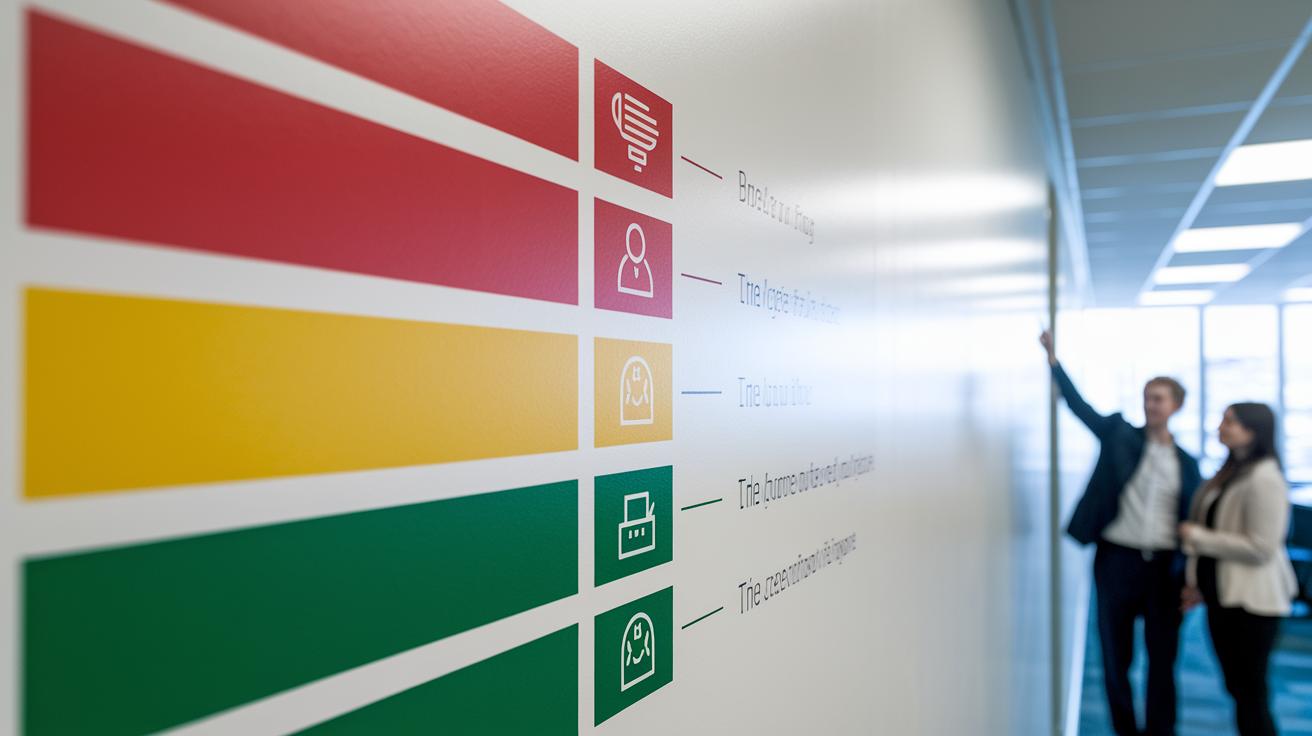
When you design a visual assessment map, keep it clear and simple. This tool should help both you and your team make fast, safe decisions during emergencies. Use easy visuals like colors, shapes, and icons to guide you quickly through each step.
Here are some tips:
- Use red, yellow, and green to show urgency levels.
- Use the same shapes for similar decision points.
- Label each step clearly so you know what to do next.
- Create branching steps that are easy to follow.
- Add prompts such as contact numbers and key words.
- Use standard symbols that everyone understands.
- Choose text size and fonts that can be read quickly.
- Include icons that match common emergency signs.
Practice with drills to build confidence. Simulate sudden high-acuity cases or shifts in symptoms so your team can test the flow. Run through quick assessments and timed decisions and review what happened after each drill. This helps ensure your assessment tool works well when real emergencies arise.
Training and Tools for Fast Triage System Adoption
Quick triage starts with clear training. When you use a set program, you help your team make safe choices fast, even during urgent moments. Nurse guidelines, phone prompts, and standard scripts let evaluations be done in under 5 minutes. Digital tools speed up data entry so you spend less time searching charts and more time caring for patients.
- Digital checklist
- Mobile app
- Printed pocket chart
- Online module
- Timed drills
- Audit logs
Regular simulation drills are key to checking skills. Timed exercises let your team practice like a real emergency so they can act quickly and safely. Evaluating these drills shows where improvements are needed, ensuring every team member stays ready when every second counts.
Final Words
In the action, this article walked through a step-by-step guide for sorting emergency symptoms. We covered five care levels, key decision points, and merged CTAS and ESI criteria to streamline assessments. A custom visual map and practical training tips were also discussed to help you act quickly and safely.
Remember, using a quick triage flowchart for emergency symptoms can guide you in taking the right steps and staying prepared. Stay safe and keep practicing these fast-response techniques.
FAQ
Q: What are emergency triage charts and what examples are available?
A: Emergency triage charts are tools used to sort patients based on urgency. They come in various forms such as general practice flowcharts, PDF examples, and models like the RACGP triage flowchart to guide care decisions.
Q: How do telephone triage flowcharts and nurse protocols work?
A: Telephone triage flowcharts guide staff in evaluating symptoms remotely by using structured prompts. Nurse protocols in PDF format standardize assessment, helping determine whether a patient needs urgent intervention or routine follow-up.
Q: What is the fast triage method?
A: The fast triage method quickly assesses key signs such as airway, breathing, and circulation. This rapid approach prioritizes patients based on urgency and helps speed up critical care decisions during emergencies.
Q: What are the 5 levels of ER triage?
A: The 5 ER triage levels start with Level 1 for immediate resuscitation and go to Level 5 for non-urgent issues. They provide a quick guide for prioritizing care based on the severity and resource needs.
Q: What is a triage workflow and protocol in the ER?
A: A triage workflow is a step-by-step process that sorts patients by urgency. ER protocols use quick evaluations and structured pathways to ensure that patients receive fast, appropriate care based on their symptoms.