


Quick Take: If you fall and can’t call for help, Life Alert gets you connected with professionals in 30 seconds or less.
• If you’re unable to move after a fall, call emergency services immediately.
• For urgent help, press your Life Alert button.
• Keep your device with you to live independently and safely.
Have you ever wondered what happens if you fall and can’t reach help quickly? Life Alert Emergency Response is designed for seniors like you. It links you directly to trained professionals in under 30 seconds.
This system features a waterproof help button and reliable GPS tracking. It works even in wet settings, such as your shower, so you can trust it in any situation. Plus, it uses its own phone line to make sure you stay connected at all times.
These tools give you the freedom to live independently, with the comfort of knowing that help is always just a button press away.
Overview of Life Alert Emergency Response System
Life Alert helps you get quick help anytime you need it. This service watches over you 24/7 with a Master Unit that connects you by voice in less than 30 seconds so trained professionals can respond fast.
A waterproof Help Button pendant works even in wet places like showers or baths so you can easily call for help if you fall or face an emergency. The Mobile+GPS unit tracks your location across different cell networks, which means you can be found even when signals vary.
The Master Unit uses its own phone line, so you don’t need a regular home phone or a cell plan. This makes sure you stay connected, even if conditions are tough.
Users feel safer. One said, "I felt secure knowing my alert would instantly connect me to trained professionals during an emergency." Life Alert is built to help you live the life you want with more confidence.
Core Features of Life Alert Emergency Response

Life Alert uses smart fall detection that senses when you are not moving after a fall. This feature quickly calls for professional help, which could be lifesaving.
The system comes with a waterproof Help Button that works even in the shower or bath. You can press it without worry when you're wet, and it sends an instant alert.
It also includes a long-lasting battery built to work for 10 years. You don't have to worry about changing batteries often, so your device is always ready when you need it.
Another great feature is the GPS-enabled Mobile+GPS pendant. It keeps track of your location so responders can find you quickly if you're outside your home. This pendant works across multiple cellular networks, so you don’t need a home landline or separate plan.
An independent phone line further boosts your safety. Even if local services go down, you can still reach help. With these built-in safety features, you can feel secure knowing help is only a button press away.
Life Alert Emergency Response Pricing and Plans
Quick take: Life Alert is a higher-priced emergency response system with monthly fees, an activation fee, and long-term contract options.
Life Alert offers monitored service bundles priced between $69.95 and $89.95 per month. You pay a one-time activation fee of $197 to cover equipment setup. There is also an option for a standalone Master Unit at $49.95 per month, but this needs approval from a sales agent. Other systems usually charge between $20 and $60 per month, so Life Alert tends to be on the higher end.
Before you sign up, check the full contract details. Remember that the total cost includes not only the monthly fee but also the upfront activation fee and any long-term commitments. If you cannot find all the fee details online, it is a good idea to call and ask for complete information. This will help you compare options and choose a plan that fits both your budget and safety needs.
Setting Up Your Life Alert Emergency Response
Quick take: Set up your Life Alert system in a few simple steps to ensure you can call for help fast.
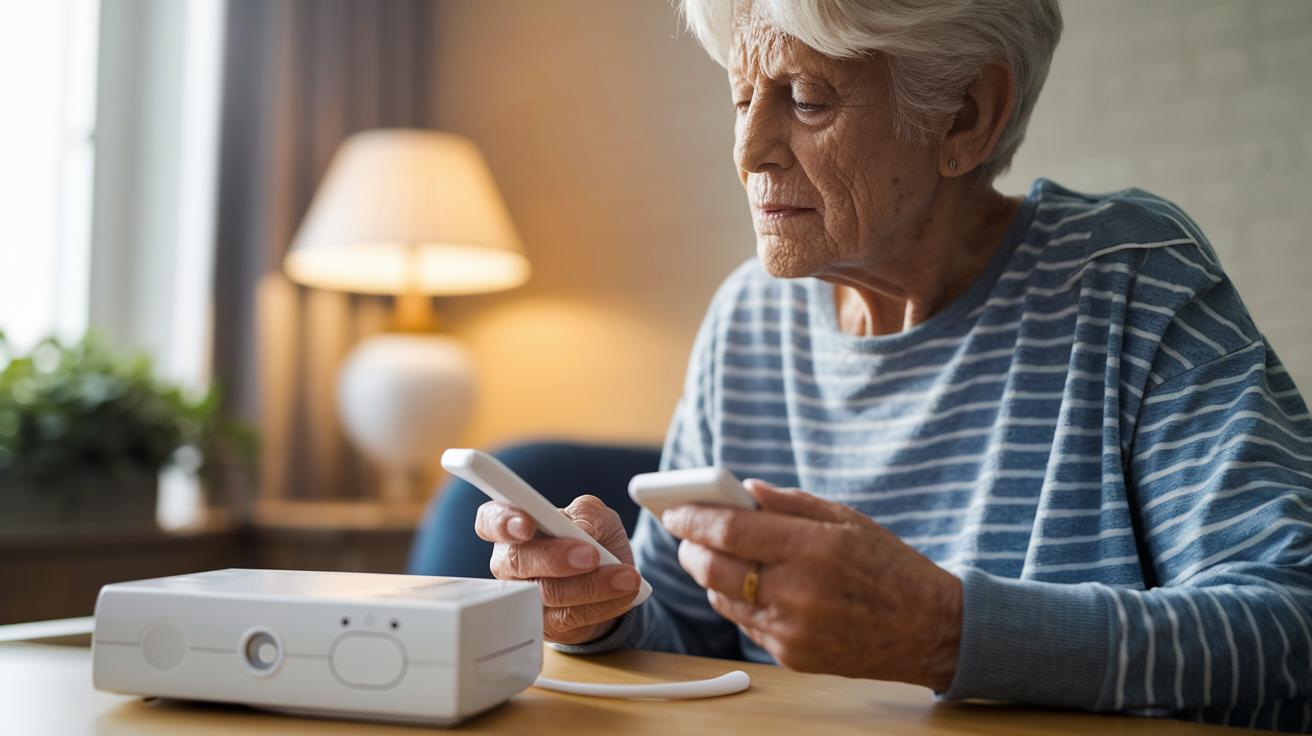
• Unbox your Life Alert system. Inside you’ll find a Master Unit, a user manual, and a quick-start guide that scored a perfect 5 of 5 for easy-to-follow instructions.
• Plug the Master Unit into a power outlet. Then connect it to the dedicated phone line provided. This special line works even if you don’t have a regular phone or cell service.
• Pair the pendants by following the step-by-step guide. Each wearable has a large activation button that is easy to press, even if your hands feel stiff.
• Consider professional installation if you want expert help to choose the best spot for strong signals. Many users recommend this extra step.
• Always make a test call. This simple check lets you know that your system is working correctly and that help will arrive quickly in an emergency.
Keep your Life Alert device in a clear, easy-to-reach spot so you are ready when you need it.
Life Alert Emergency Response vs. Other Alert Systems
When choosing an alert system, you need to look at response time, costs, device options, and contract terms. Life Alert is reliable with response times under 30 seconds and excellent battery life. However, you pay between $69.95 and $89.95 each month and commit for a long period. Other services offer different strengths that might suit your needs better.
Direct tests show that Medical Guardian scored 9.9 out of 10 for fast response. LifeStation averages a dispatch time of 27 seconds, proving many brands can get help to you quickly. MobileHelp, known for good value, starts at only $24.95 per month with no hidden fees or long contracts.
Unlike some competitors, Life Alert does not offer extra accessories like lockboxes or stylish pendant designs. Some other systems let you choose wearable options that mix safety with a more modern look. In addition, a few brands offer flexible contract lengths, which is a big plus if you don’t want a long-term commitment.
Key points to consider:
• Response times: Life Alert is fast, yet its higher cost and strict contracts may be a downside.
• Monthly fees: Life Alert charges more, while MobileHelp offers a budget-friendly option.
• Device options: Life Alert provides strong, dependable devices, but others might add extra gadgets or design choices.
• Contract flexibility: Life Alert requires long-term plans, while some alternatives allow you to decide on shorter commitments.
| System | Response Time | Monthly Fee | Contract Terms |
|---|---|---|---|
| Life Alert | Under 30 seconds | $69.95-$89.95 | Long-term |
| Medical Guardian | 9.9/10 rating | Varies | Flexible |
| LifeStation | 27 seconds | Varies | Flexible |
| MobileHelp | Competitive | $24.95 | No long-term contract |
Customer Feedback on Life Alert Emergency Response

Reviewers say Life Alert is very fast. Many mention that its devices respond in less than 30 seconds and reliably connect them to help during emergencies. One user said, "It felt like my lifeline was there the moment I pressed the button. Knowing help was only seconds away gave me immense peace of mind." This view is common in many customer reviews.
Some customers have concerns about the pricing details. They worry that the website does not show clear pricing and that you must call to get full package information. One person admitted, "I wished I had all the fee details upfront before making a decision." This shows that more transparent pricing would help future buyers.
Customer support is generally well received. Phone support is available every day, and many callers say they receive kind and helpful answers. However, a few people find the initial buying process confusing.
Overall, users trust Life Alert for its quick and reliable help. They only hope that pricing and package details are explained more clearly for anyone considering buying the service.
life alert emergency response Empowers Senior Safety
Quick take: Follow these simple steps to keep your Life Alert system ready and safe.
- Set up your trusted contacts. You can program up to 5 people (for example, your adult child, a neighbor, or a caregiver) so they get an alert right away when you press the Help Button.
- Test your system every month with a quick call. This check makes sure the dedicated line and devices work when you need them.
- Wear your waterproof Help Button all the time, especially where falls may happen.
- If a fall happens and the system starts its automatic follow-up, contact your professional caregiver to review the event log.
- Keep your system in top shape by replacing it only when the 10-year battery cycle is over.
Frequently Asked Questions on Life Alert Emergency Response
Q: How quickly does Life Alert respond to emergencies?
A: Testing has shown that Life Alert sends help in less than 30 seconds. In fact, dispatch times ranged from 22 seconds to 51 seconds. This quick response can be crucial when every second counts.
Q: Are the devices user-friendly and easy to set up?
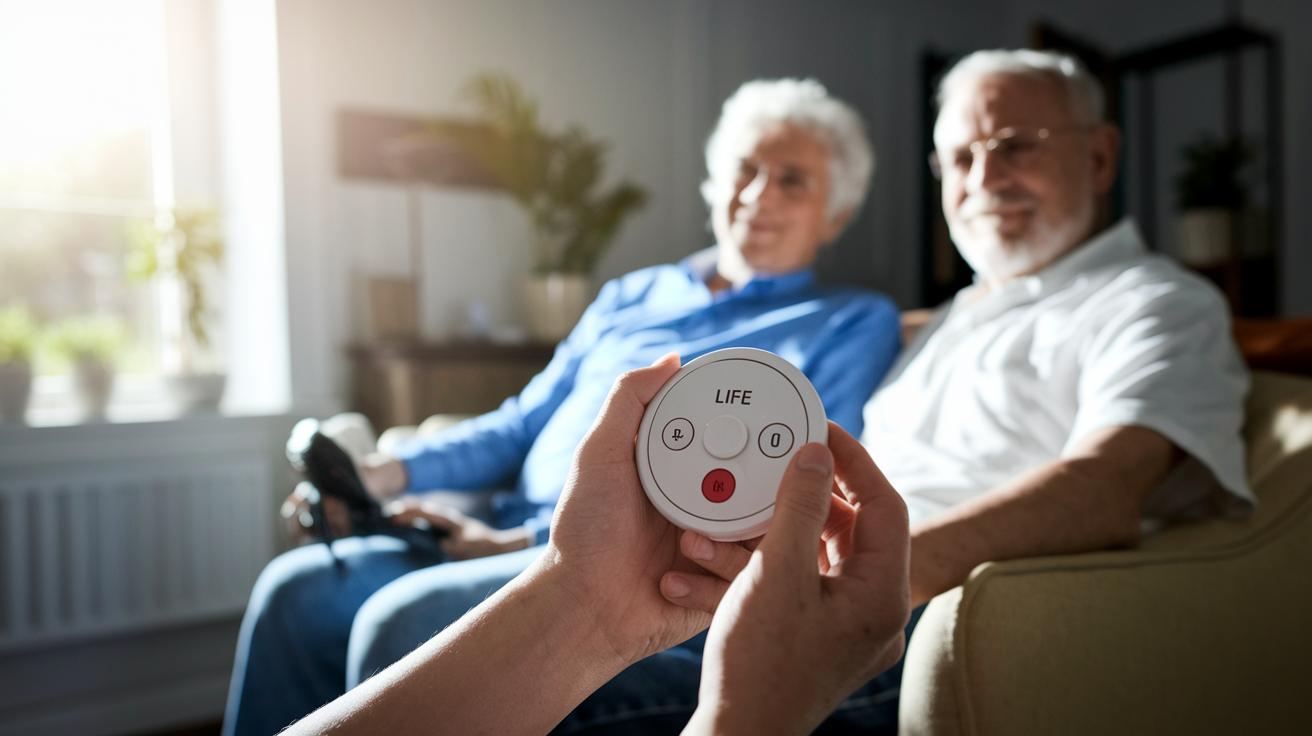
A: Yes, the devices are very simple to use. Most users finish the activation process in about 5 minutes. The setup guide is clear and the large activation button helps, especially for seniors with limited hand strength.
Q: What certifications and regulatory standards do Life Alert devices meet?
A: The Master Unit meets FCC Part 68 and UL safety standards. This means it has passed strict safety tests to protect you in an emergency.
Q: What type of equipment warranty coverage is provided?
A: Life Alert equipment comes with a 5-year warranty. This shows that the devices are built to last and should perform reliably over time.
Q: How can I cancel or transfer my Life Alert service?
A: You can cancel or transfer your service if needed. The process may vary based on your plan and any insurance options. For detailed instructions, please contact the support team.
Final Words
In the action, we reviewed how life alert emergency response stands out with features like fall detection, waterproof wearables, and fast response times. We discussed pricing structures, straightforward setup, and shared real customer feedback that highlights its reliability. We also outlined best practices, emergency contact setup, and routine tests to keep you safe. This guide shows that you can rely on these devices to enhance senior safety and peace of mind. Stay proactive and confident in your emergency preparedness.
FAQ
Medical alert systems
Medical alert systems like Life Alert offer 24/7 monitoring, real-time voice response, and waterproof, user-friendly activation buttons to help seniors quickly access help during emergencies.
Life Alert customer service
Life Alert customer service provides phone support every day to assist with setup, pricing, and troubleshooting, ensuring you receive timely help and clear information when needed.
Life Alert necklace
Life Alert necklace refers to the wearable pendant with a waterproof design and an easy-to-press activation button, designed to help seniors quickly alert the monitoring center during emergencies.
Life Alert cost Walmart
Life Alert devices are generally not sold at Walmart. They are offered exclusively by authorized providers who detail their pricing and contract terms during a customer service call.
Free life alert systems for seniors
Free life alert systems for seniors are rare. Most services, including Life Alert, require monthly fees, an activation charge, and contract commitments to cover around-the-clock monitoring.
Bay Alarm Medical
Bay Alarm Medical is an alternative emergency response service offering competitive pricing and reliable monitoring, making it a practical option for seniors seeking personal emergency alert systems.
Life Alert monthly cost
Life Alert’s monthly cost typically ranges from $69.95 to $89.95 for bundled plans, with extra charges possible for standalone options. Contact customer service for the most accurate plan details.
Life Alert alternatives
Life Alert alternatives include providers like Bay Alarm Medical, Medical Guardian, and LifeStation, which offer similar emergency response services with varied features, pricing plans, and contract terms.
Is Life Alert covered by Medicare and does Medicare pay for the emergency alert system?
Life Alert systems are generally not covered by Medicare. Emergency alert services are typically an out-of-pocket expense, so check with your Medicare provider for any specific coverage details.
How does Life Alert respond to emergencies?
Life Alert responds to emergencies by linking your wearable device to a dedicated 24/7 monitoring center. The system connects you to a professional responder in less than 30 seconds for immediate assistance.