
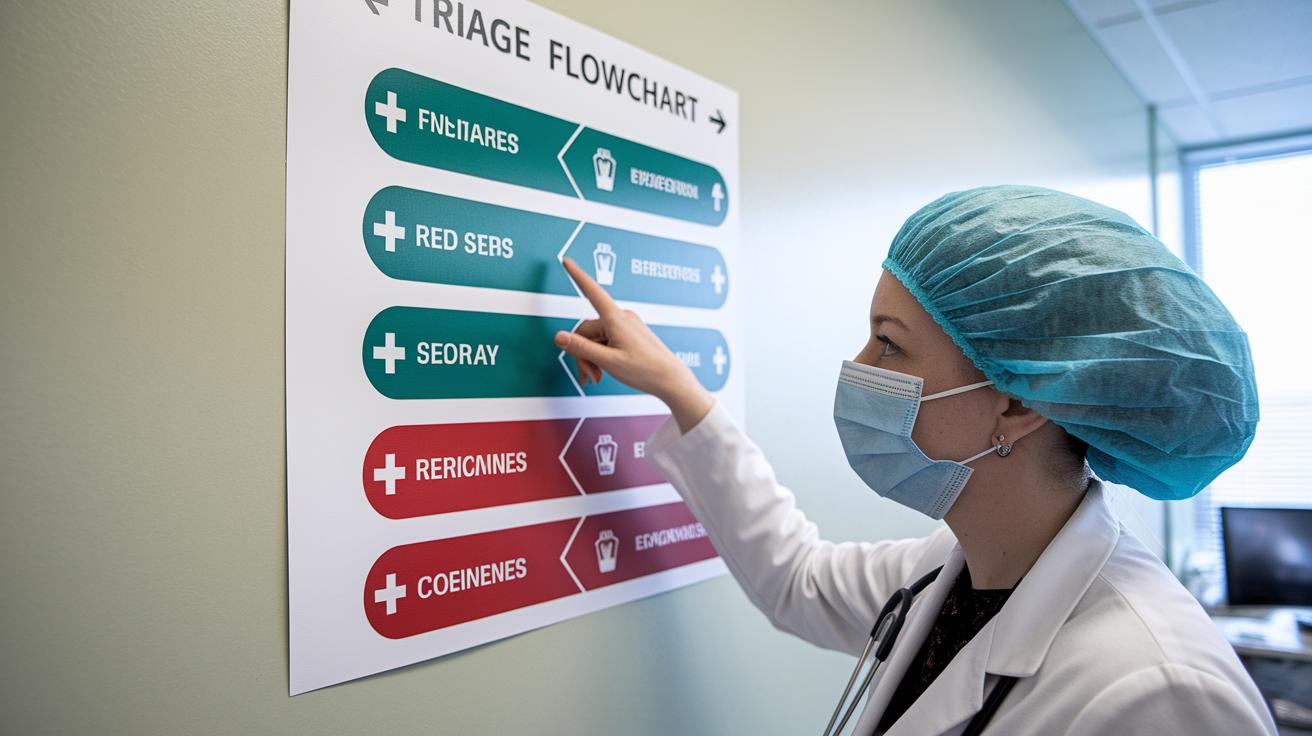

Quick Take: A clear flowchart helps hospital staff decide quickly who needs help first.
Triage Box:
• If you feel a sudden, serious issue, call emergency services right away.
• Hospitals use a step-by-step system from registration to vital checks to sort patients fast.
• Quick decisions mean faster care and fewer mistakes.
Have you ever wondered how hospitals choose who gets treated first when time is short? They use a simple flowchart that guides every step from checking you in to taking your vital signs (basic health measures like heart rate and blood pressure). This clear process helps staff spot serious issues quickly and reduce errors when things get hectic.
Every step in the flowchart boosts safety and speeds up treatment. When the process is clear and structured, it makes all the difference in urgent situations. Read on to learn how this method works and how it helps ensure you get the care you need, right away.
Rapid Overview of Symptom Evaluation with a Triage Flowchart
Quick take: This flowchart helps emergency teams quickly sort patients so you get the care you need.
If you have any of these emergency signs, call emergency services now:
- Trouble breathing
- Severe chest pain
- Sudden confusion
This flowchart is a simple tool that guides staff through a fast check when you arrive. In just 2–5 minutes, they record your name, chief complaint, age, and arrival time. They then measure vital signs like heart rate (beats per minute), blood pressure (mm Hg), and temperature (F) to guide quick decisions.
The clear steps help ensure nothing important is missed. Following this method means every patient is grouped correctly. It also cuts down on errors during busy times.
Key steps include:
- Registration and basic details
- Vital signs check
- Grading how severe your symptoms are
- Assigning a triage category
By using these four steps, the emergency team can promptly direct patients. They treat urgent cases immediately, set up further checks for those in need, and refer non-urgent cases to other care. This clear, step-by-step process keeps everyone safe and speeds up care.
Breaking Down a Clinical Symptom Categorization Flowchart

This flowchart makes it easier for staff to decide what care a patient needs by outlining clear steps, from checking in to directing the patient. It helps reduce delays by showing simple, ordered actions.
When a patient arrives, their name and main complaint are recorded right away. Next, the team takes key vital signs, blood pressure, heart rate, breathing rate, and temperature, to get a quick look at how the body is doing. Even small changes, like a slight increase in heart rate, may mean the patient needs extra attention.
| Component | Purpose |
|---|---|
| Registration | Record who the patient is and their main complaint |
| Vital Signs | Check the patient’s physical state |
| Symptom Grading | Assess how urgent the symptoms are |
| Triage Category | Guide the patient to the right care pathway |
The flowchart also uses a simple three-point scale to grade symptoms. For example, a patient with sharp chest pain and fast breathing would be marked for immediate care. This quick scale helps ensure that patients receive the right level of care fast.
Designing a Symptom Triage Algorithm with Decision Mapping
Quick take: A clear three-level triage system helps clinicians quickly spot dangerous symptoms and decide on the right care path.
A special triage system uses three categories: emergent, urgent, and non-urgent. This simple scale helps make fast decisions so that life-threatening problems get immediate help while milder symptoms are managed appropriately.
Define Symptom Severity Zones
In this part, patients are sorted into three clear zones. For example, if you have sudden, crushing chest pain and fast breathing, you fall into the emergent zone. If you experience moderate pain with small changes in vital signs, you are likely in the urgent zone and need prompt care, though not emergency-level. Stable or mild symptoms are placed in the non-urgent zone, where an outpatient visit is more suitable. Doctors review vital signs and your symptoms to make this call.
Establish Decision Criteria
Key numbers make these decisions clear. For instance, a heart rate over 120 beats per minute or a blood pressure below 90 mm Hg moves you into emergent care. These clear benchmarks help clinicians decide when to upgrade the level of care. Following these set rules means the emergency team is consistent every time.
Map the Decision Flow
A simple decision tree turns these rules into a clear flow. You answer yes or no to questions like, "Is the heart rate above 120?" or "Is the pain severe?" until you end up with a final triage category. This map is easy to follow, cuts down errors, and helps speed up the overall evaluation process.
Implementing Patient Risk Stratification and Prioritization

For patients with life-threatening signs, like severe chest pain, trouble breathing, or a very high heart rate, they are treated as emergencies. The system checks vital signs in real time. For instance, if a patient’s oxygen level falls below 90%, an alert goes off so the team can step in immediately. This process helps shift a case from urgent to emergency as the patient’s condition changes.
When patients show worrisome but not dangerous symptoms, they fall under urgent care. A digital tool keeps watching their vital signs and tracks changes in symptoms. If a patient’s heart rate climbs above 120 beats per minute, the system flags the case for a quicker review. This extra check helps the care team keep things moving smoothly.
Patients who have stable or mild symptoms are marked as non-urgent. Their triage scores are recorded and sent for outpatient follow-up. A scheduling tool then directs these cases to the right service so the emergency department can focus on more serious issues. The built-in prompts and tracking help clinicians manage care efficiently.
Best Practices for Rapid Emergency Decision-Making via Triage Flowcharts
Quick take: A clear flowchart guides every team member to make fast, error-free decisions in an emergency.
In emergencies, a flowchart helps you get to care faster. When everyone follows the same simple steps, like noting age, main problem, and temperature, serious signs get flagged right away. This method stops mistakes and keeps things organized.
A built-in decision tool in the flowchart acts like a map. It shows where to send patients based on clear facts. This means urgent cases get help quickly, even when it’s very busy. With a standard triage system, your team can handle many patients while keeping care safe.
Checklist:
- Train every staff member on the flowchart steps.
- Set clear limits for key vital signs.
- Run regular drills to practice these steps.
- Compare triage results with actual outcomes.
- Update the flowchart with real-life feedback.
Case Example: Applying an Acute Condition Evaluation Framework

Quick take: This case shows how severe chest pain and breathing trouble can signal an emergency needing fast action.
Triage Box:
• If you have very sharp chest pain, call emergency services now.
• If you feel short of breath or dizzy, call emergency services now.
• If your heart beats faster than 120 beats per minute, or your blood pressure is below 90 mm Hg, seek care immediately.
Patient Presentation
A 54-year-old man came into the emergency room with sharp chest pain and difficulty breathing. He said the pain began suddenly 20 minutes ago and described it as very severe. His vital signs were alarming: his heart raced at 130 beats per minute, his blood pressure was low at 85 mm Hg, and his oxygen level was only 89%. These numbers point to a life-threatening condition that needs swift attention.
Triage Steps Taken
The clinical team quickly noted his name, age, and main complaint. They took his vital signs immediately, noticing his fast heart rate and low blood pressure. Using a simple three-point check, they marked his condition as an emergency. This meant he was sent straight to the treatment area without any delay.
Outcome and Follow-Up
After triage, the patient was moved immediately to the critical care area where he got urgent treatment. Within minutes, oxygen therapy began and doctors ran extra tests. As he started to stabilize, they put together a care plan with constant monitoring and careful medication changes. This real-life example shows how a clear and quick check helps guide fast care when every minute counts.
Final Words
In the action, this article walked through a rapid review of symptom evaluation with a triage flowchart that helps you decide quickly if a symptom demands emergency care, same-day attention, or home monitoring. The guide broke down the process into clear stages, from registration and vital checks to severity grading and final category assignment, to streamline decision-making. It shows how a systematic approach can offer quick insights and boost confidence in handling urgent symptoms. Stay proactive and use this framework for timely, informed care.
FAQ
What is a triage chart example?
The triage chart example shows how to list patient details, vital signs, and symptom severity to quickly sort patients into emergent, urgent, or non-urgent groups.
What do a triage chart PDF and triage guidelines PDF provide?
The PDF versions supply standard templates and checklists that help medical teams follow consistent steps when evaluating symptoms and assigning care levels.
How do you do a triage assessment and triage patients in a clinic?
The triage assessment process involves checking registration details, recording vital signs, and evaluating symptoms to assign patients to emergent, urgent, or non-urgent groups.
What is a telephone triage flowchart and triage workflow?
The telephone triage flowchart outlines key questions and decision points that guide remote evaluation, determining whether patients need immediate, same-day, or follow-up care.
What are the three levels of triage?
The three levels of triage are emergent (immediate treatment), urgent (same-day attention), and non-urgent (routine outpatient care) to prioritize timely care.
What are triage symptoms?
Triage symptoms are the key signs, such as severe pain or breathing difficulties, that help clinicians assess urgency and decide if immediate or prompt medical attention is needed.
What is the meaning of triage evaluation?
Triage evaluation is the process of quickly reviewing a patient’s condition, symptoms, and vital signs to decide the speed and type of treatment required.