
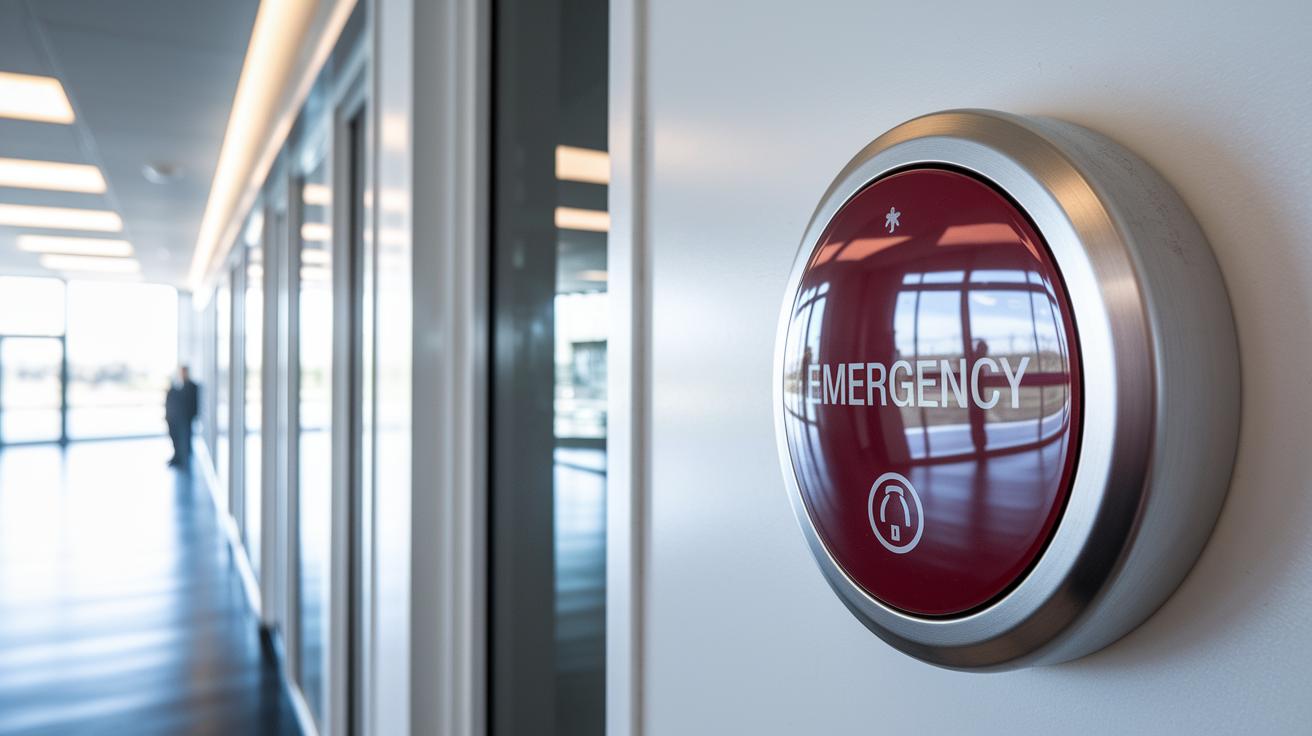

A single push of a button can get you help fast. Emergency call buttons do more than just signal distress. They use smart tech to link you to help any time of day and send your location from your phone. You can use one at home, wear it on your wrist, or even find them in elevators. This guide explains how these devices work and where to find them. Read on to learn about a simple solution that brings real peace of mind when every second counts.
How Emergency Call Buttons Work and Where to Purchase Them
Emergency call buttons connect you to help with just one press. Some devices link you to a 24/7 monitoring center where skilled staff listen and guide you through what to do next. Others use an automatic dialer that calls 911 directly, so help comes fast when every second matters.
Many call buttons now work with your smartphone via Bluetooth. They share your GPS location and send alerts to contacts you pick in real time. You can choose from many styles, including home base stations, wearable pendants, smartwatches, and even elevator panic switches. There is a safety option to fit your lifestyle.
Here are some common types:
| Device Type | Description |
|---|---|
| Home Alert Module | Base station for your home |
| Wearable Pendant | A button you can wear every day |
| Smartphone App | An alert system right on your phone |
| Smartwatch Feature | A built-in emergency button on your watch |
| Elevator Panic Switch | A quick help button in elevators |
Prices usually range from $20 to $60 per month. Some plans may include a one-time equipment fee of up to $200, but others do not need a subscription at all. You can get these devices from medical alert providers, major electronics stores, or directly from app stores.
Key Types of Emergency Call Buttons and Their Features
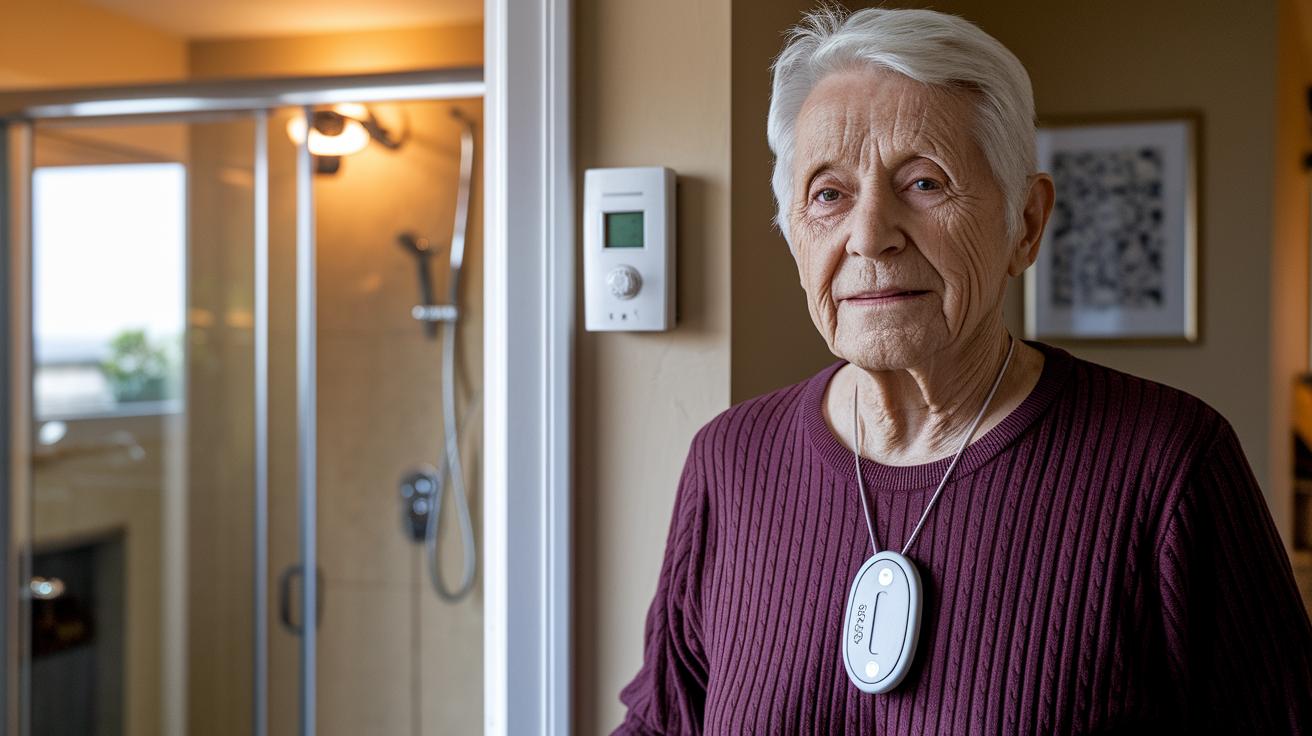
There are different devices to help keep you safe based on your lifestyle and needs.
In-Home Medical Alert Systems
These devices are meant for home use. They work up to 400 feet from their base station. You can add a cellular option if you do not have a working landline. They include fall detection sensors (devices that notice sudden falls) and are built to resist water during everyday life. They also have long-lasting batteries so you stay protected around the clock.
Mobile Wearable Pendants
These portable devices are great if you are always on the move. The HOME & AWAY MINI is safe to use in the shower. It weighs 2 ounces and has fall detection sensors, GPS tracking, and cellular alerts for quick help. The Silent Beacon 2.0 is a Bluetooth button that automatically calls 911 or your chosen contacts. It sends real-time GPS updates and lets you talk using its built-in speakerphone. Both options are water resistant and ensure you stay connected during your day.
Smartwatch Emergency Dial Features
The SmartWatch PRO puts emergency help right on your wrist. With one press of its SOS dial, it calls emergency services. It also detects falls automatically, counts your steps, and monitors your heart rate. This watch is made for both safety and fitness. It is shower safe and keeps a steady battery life, so help is always nearby when you need it.
Installation and Setup Guide for Emergency Call Buttons
Quick take: Follow these easy steps to set up and test your emergency alert system.
Step 1: Set Up Your Base Station
- Unbox your device and follow the guide (this usually takes 5–10 minutes).
- Plug in the power supply.
- Connect the module either to your landline or by inserting the cellular component.
- Test the connection by pressing the test button. Listen for a confirmation tone to make sure it’s working within a range of up to 1,000 ft.
Step 2: Pair Your Device with Your Smartphone
- Download the companion app on your smartphone.
- Grant it location and notification permissions.
- Set up the SOS shortcut on both iOS and Android so one press sends an alert.
- Add your emergency contacts in the app settings.
- Test the alert feature by pressing the SOS button to confirm your phone receives the command.
Step 3: Test Additional Safety Features
- Try out the fall detection sensor by following the simulation instructions in your guide.
- Check that the device detects motion and sends the right alert.
- This final check confirms your alert system is set up and ready for emergencies.
Following these steps will help ensure your emergency call button works properly when you need help fast.
Comparing Top Emergency Call Button Models of 2026
When you’re choosing an emergency call button, look at factors like how quickly it responds, how long the battery lasts, and how much you pay each month. The table below compares five popular models to help you choose one that fits your needs at home or on the go.
| Model | Type | Response Time | Battery Life | Monthly Cost |
|---|---|---|---|---|
| Medical Guardian | Options for landline or cellular (MGHome, MGMove, MGMini) | 51 sec | Long-lasting | About $30 |
| Bay Alarm Medical | Home-based with extra device protection | About 55 sec | Reliable daily use | $2.95–$4.95 |
| MobileHelp | Mobile emergency call button | About 60 sec | Extended battery life | $24.95 |
| LifeStation | Works for caregivers at home or on the move | About 50 sec | Standard, with real-time tracking | About $30 |
| LifeFone | VIPx devices and Safe Watch Active | Varies by model | VIPx: up to 10 days; Safe Watch Active: 24 hrs | About $35 |
Medical Guardian works fast and is known for reliable performance. Bay Alarm Medical earns praise for friendly service and low fees. MobileHelp offers clear pricing without any hidden charges and comes with a lifetime warranty. LifeStation is built to work well with caregivers by sending alerts via text or voice. LifeFone gives you flexible battery options to meet different needs. Pick the model that has the safety features that matter most to you.
Safety Benefits and Compliance Considerations for Emergency Call Buttons
These call buttons give you fast help by connecting directly to 911. They are built to keep you safe at home and on the move.
They work quickly. With a smart fall detector, the button senses sudden changes in movement and calls for help when needed. This is crucial because more than 28% of adults aged 65 and older experience falls each year.
You'll feel more secure knowing that these devices use cellular and GPS signals to stay connected. No matter if you’re indoors or outdoors, help is always just a button push away.
The manufacturers follow strict guidelines from the FCC and HIPAA. This means the devices meet high safety standards and protect your personal information during emergencies.
User Testimonials and Real-World Applications of Emergency Call Buttons
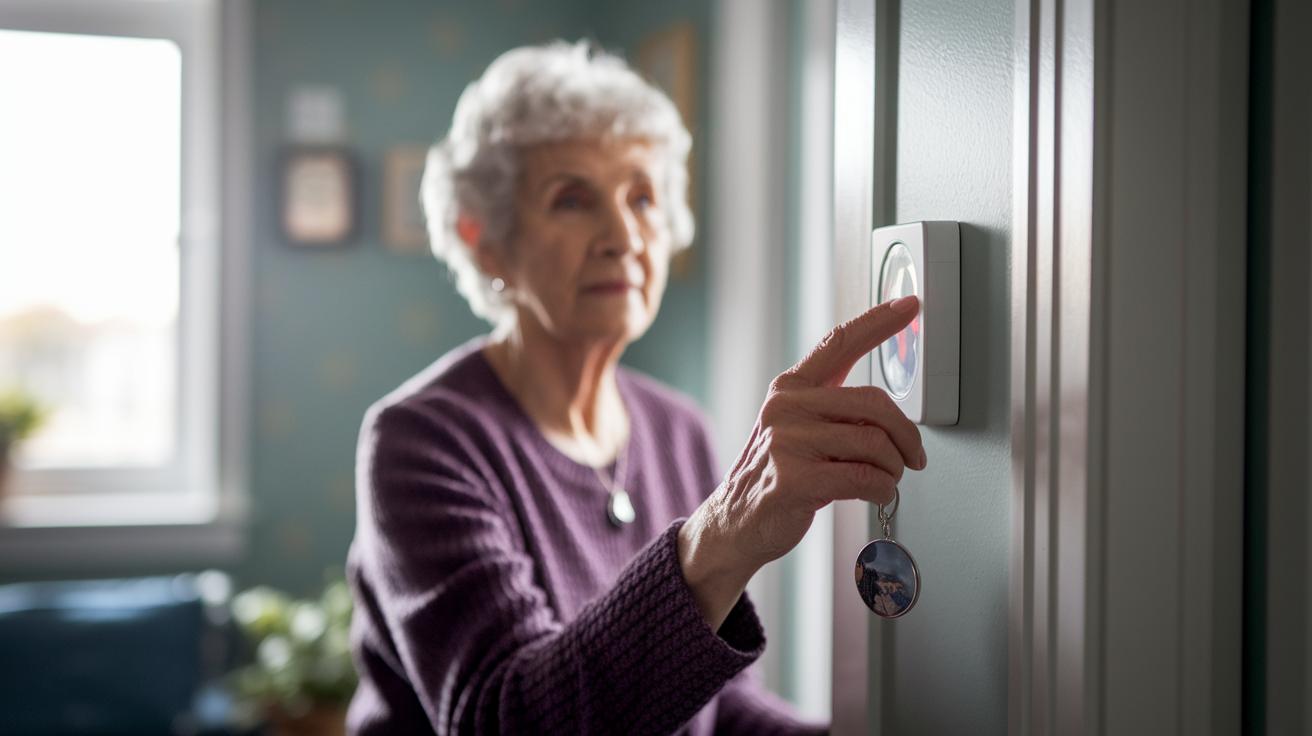
Joan, age 78, pressed her emergency button after she fell. Her device immediately called 911, shared her GPS location with her daughter, and sent a help signal. This shows how quickly modern systems connect you to urgent care.
Many people rely on these simple safety features. Lone workers can text their supervisors with their location when they work alone using devices like Silent Beacon 2.0. Parents use the SOS feature on their smartwatches during busy moments to keep their children safe. Commuters wear discreet pendants that send a silent alert when needed.
Families feel reassured knowing these systems work well in everyday life. A setup that supports both caregiver alerts and elder care notifications gives users the confidence they need when every second matters.
Frequently Asked Questions About Emergency Call Buttons
How do I set up my device on a landline versus cellular connection?
If you use a landline, plug the base station into a power outlet and connect it to your telephone jack. For cellular models, insert the SIM card and follow the on-screen prompts to finish activating your system.
Is a subscription required, and can multiple users share one system?
Most devices need a monthly service plan so a professional center can monitor you 24/7. Some plans let you connect several call buttons in one home, so family members can share the backup alerts.
Are these devices waterproof and built to last?
Many models are water resistant. You can use them when washing your hands or even in the shower. They are designed for everyday use, but they are not meant for long exposure to water.
What type of battery backup is included?
These devices usually come with a rechargeable battery. This battery helps keep you safe during power outages. Some models offer battery life ranging from a few hours to several days, depending on how you use them.
How can I prevent accidental triggering of the SOS button?
The systems are built with safety features to avoid accidental triggers. You might need to hold the button for a few seconds or complete another step to confirm an emergency before it activates.
How do I get in touch with customer service for support?
Look for customer service details in your user manual or quick start guide. If you need help, use the phone number or email provided in the documentation.
What should I do if my device is not working as expected?
Begin by checking the battery and connections. Make sure the companion app is set up correctly. If it still doesn’t work, contact customer service right away for help.
Final Words
In the action, this post broke down how emergency call buttons work, from call routing systems to various device types like home modules, wearable pendants, and smartphone features. We discussed setup, safety benefits, pricing, and where to order.
You now have a clear picture of each option, from automatic dialing to direct 911 access. Consider your personal needs when choosing an emergency call button and get timely help when it matters. Stay safe and trust your instincts.
FAQ
Emergency call button Android
The emergency call button for Android is built into many devices or integrated via apps. It triggers alerts to emergency contacts or services, often sharing your GPS location for quick help.
Emergency call button iPhone
The emergency call button on an iPhone uses iOS SOS features. It automatically dials emergency services and notifies your pre-set contacts with your location when activated.
Emergency call button for home
The emergency call button for home connects to a monitoring center or directly to emergency services. It typically pairs with a base station linked to landline or cellular systems to ensure immediate help.
Emergency call button app
The emergency call button app transforms your smartphone into an alert device. When pressed, it sends your location and request for help to emergency services or designated contacts quickly.
Emergency call button amazon
The emergency call button available on Amazon is offered through trusted retailers. It comes in various forms like home modules or wearable pendants and may require a subscription or be subscription-free.
Emergency call button for Seniors no monthly fee
The emergency call button designed for seniors with no monthly fee operates without a subscription. It delivers basic alert functions, connecting directly to emergency services to ensure safety.
Emergency call button hospital
The emergency call button in hospitals is integrated into patient rooms. It allows patients to quickly send an alert to nursing staff, ensuring prompt attention during emergencies.
Call button for Elderly at Home
The call button for elderly at home is a simple, user-friendly device. It connects users to emergency contacts or monitoring centers, ensuring rapid response during health crises.
Will Medicare pay for an emergency button?
Medicare may cover an emergency button if deemed medically necessary. Coverage varies based on your plan and local guidelines, so check with Medicare or a healthcare provider for details.
What happens if you accidentally hit the emergency call button?
When you accidentally press the emergency call button, the system typically contacts emergency services or your pre-set contacts. It’s important to explain quickly that it was a false alarm.
Is there an elderly panic button that calls family?
Yes, there are elderly panic buttons that call family. These devices let you designate emergency contacts, so when activated, family members receive an alert with your location.
How much does an emergency call button cost?
An emergency call button usually costs around $200 for the equipment, with monthly subscription fees ranging from $20 to $60, though some models offer a subscription-free option.