
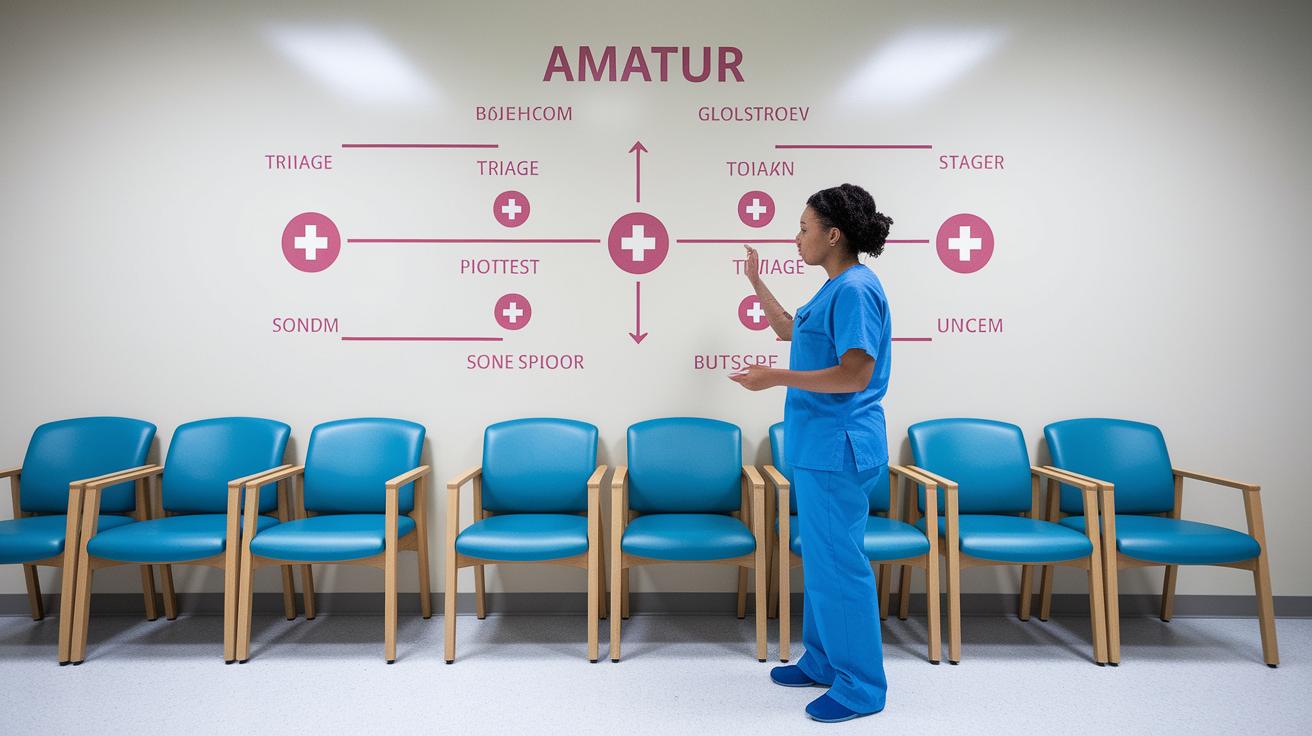

Quick take: Use this flowchart when you worry about your symptoms. If you notice trouble breathing or other warning signs, act immediately.
Have you ever wondered if skipping one simple check might delay care? This tool leads you step by step from basic checks, such as noticing if you are having trouble breathing, to spotting signs that need urgent care. It replaces confusing advice with clear, direct steps, much like following a simple map to safety. Using this guide, you can decide quickly when to seek help, which may be the key to keeping someone safe.
Comprehensive Step-by-Step Triage Flowchart for Symptoms
Quick take: This flowchart helps sort symptoms fast so you know when to act immediately.
If you see severe signs, call emergency services now.
Start with a brief check. Clinicians ask about key symptoms like high temperature, fast breathing, or confusion (altered level of consciousness). For example, a common question is, "Does the patient have severe chest pain?" This step helps spot serious issues right away.
Then, the flowchart divides into groups based on how you contact care:
| Step | Description |
|---|---|
| Telephone Prompts | Ask clear, structured questions to spot urgent cases fast. |
| Injury/Trauma | Focus on head injuries, broken bones, or heavy bleeding to assign immediate care. |
| Medical Problems | Check for signs like chest pain, trouble breathing, or confusion. |
| Other Problems | Handle symptoms that are less clear and not immediately dangerous. |
Each pathway gives clear actions based on the symptoms. For instance, if a caller has trouble breathing, the instructions say to move the case to urgent care without delay.
This design works in both emergencies and routine checks. It uses a simple decision map to reduce errors by sorting patients by symptom severity. Staff then decide whether to assign an urgent evaluation or set up a routine follow-up. This clear framework helps ensure every patient is seen and treated in a timely, safe way.
Essential Triage Assessment Steps in Symptom Flowchart

Start by quickly checking if the patient can breathe normally. Ask, "Are you breathing normally?" and look for any confusion or lack of response. Take note if their vital signs are off, for instance, a heart rate above 120 beats per minute or a fever of 102°F.
If you see any of these red flags, act immediately:
- Check the airway and breathing.
- Ask if there is chest pain and how severe it is.
- Look for any signs of confusion or changes in alertness.
- Watch for uncontrolled bleeding or visible injuries.
| Indicator | Key Thresholds/Notes |
|---|---|
| Airway and Breathing | Check if breathing is normal; be cautious if heart rate is over 120 bpm or temperature is 102°F. |
| Chest Pain | Note severe pain, especially when other vital signs are abnormal. |
| Alertness | Watch for confusion or unresponsiveness as urgent issues. |
| Bleeding | Identify any severe, uncontrolled bleeding that needs fast intervention. |
Symptom Categorization in the Triage Decision Tree
After you rule out any immediate emergency signs, the system sorts patients into three groups: injury or trauma, medical issues, and other concerns. It uses a keyword search to quickly flag urgent symptoms. For example, if someone with a head injury reports dizziness (a sign of lightheadedness), the system shifts them into an urgent care slot since these symptoms can get worse within 24 hours.
- Organize patients by injury/trauma, medical issues, or other concerns.
- Use targeted keywords to automatically mark high-risk cases.
Before automated urgency flagging, triage nurses had to sort through hundreds of patient records by hand, often missing subtle signs of a worsening condition.
Scheduling Pathways: From Urgent Slots to Same-Week Appointments

If you have symptoms that may quickly become dangerous, like severe chest pain or sudden shortness of breath, we give you an urgent appointment immediately. This helps you get care as soon as possible.
For issues that are worrisome but not life-threatening, we check if we can schedule you for a routine appointment within the next 5 working days. For example, if you have a mild fever and your vital signs are stable, you might get a routine slot for monitoring.
If no routine appointment is available, your case is quickly reviewed by management and moved to the urgent list. This step is key to catching problems before they worsen. We also offer a same-week slot to serve patients whose symptoms are in between urgent and routine levels. This means that even if you do not need an immediate urgent slot, you can still see a care provider within 5 working days.
- Call emergency services for severe symptoms.
- Schedule a routine appointment if available within 5 days.
- Escalate your case for urgent review if routine slots are full.
- Book a same-week visit for symptoms of intermediate urgency.
Customizing Your Symptom Triage Flowchart for Clinical Practice
These flowcharts are built to work in both general practice and emergency settings. They let you change icons, reorder questions, and adjust branch paths to match your workflow. The templates are fully editable so your team can easily follow local rules. For example, you can swap generic symbols with ones your team knows or change questions to suit the common symptoms you see.
Match your flowchart branches with telephone triage and front-desk work by following these steps:
- Identify key decision points that fit your practice guidelines.
- Tailor questions to capture the most important symptoms.
- Replace standard icons with images that show local terms and urgency levels.
- Adjust branch paths based on available appointment slots or clear escalation steps.
- Add special nodes for extra screening questions or to note local risk factors.
These changes make decision-making simpler. Your staff can quickly move from the first call to the right scheduling tier. This helps ensure urgent cases get fast help while routine visits are managed smoothly. Adapt these templates as needed to improve clarity and support efficient patient care.
Benefits of a Structured Triage Flowchart for Medical Decision-Making

Quick take: A clear, step-by-step flowchart helps you quickly sort patients so that serious cases get immediate help.
If you have any of these emergency signs, call emergency services now:
- Severe, rapidly worsening symptoms
- Signs of shock (confusion, very low blood pressure)
- Difficulty breathing or severe pain
A well-made triage flowchart is a simple tool that guides staff through patient checks in easy steps. It cuts through complex details and reduces mental strain in stressful times. With clear steps to follow, high-risk cases are spotted right away.
This system works well in busy emergency rooms and during disasters. It standardizes checks, so everyone uses the same clear rules. This helps reduce mistakes and makes sure that patients with severe symptoms get fast care.
Key benefits include:
- Fast identification and action for critical cases.
- Consistent decisions that cut down on misunderstandings.
- Smart use of resources during large-scale emergencies.
By reducing errors and speeding up care, structured flowcharts help improve patient outcomes. They give frontline teams a reliable tool to prioritize care, ensuring that every patient gets safe and timely treatment.
Final Words
In the action, we walked through a clear, step-by-step triage flowchart for symptoms. This guide covered initial assessments, red-flag screening, and sorting symptoms into key categories. You saw how scheduling pathways adapt to urgency and how flowchart templates can be tailored for your practice.
This structured approach eases decision-making and boosts confidence in handling symptoms safely. Stay proactive, and use the step-by-step triage flowchart for symptoms to guide your next steps with care.
FAQ
Triage flowchart general practice
The triage flowchart in general practice outlines key steps to assess patient symptoms and swiftly prioritize care based on urgency, ensuring safe and effective clinical decisions.
Telephone triage flowchart
The telephone triage flowchart guides staff through scripted symptom questions and red-flag checks, helping determine if immediate care is necessary during remote patient assessments.
Triage Chart example
A triage chart example shows a clear diagram mapping assessment points, red-flag triggers, and follow-up steps, helping clinicians quickly categorize patient urgency.
Triage chart pdf
A triage chart PDF provides a downloadable visual guide that details systematic patient assessment steps, ensuring clinicians can refer quickly to standard protocols in practice.
RACGP triage flowchart
The RACGP triage flowchart, endorsed by the Royal Australian College of General Practitioners, outlines standardized red-flag assessments and urgency criteria for patient evaluations.
Triage guidelines pdf
A triage guidelines PDF outlines clear protocols and step-by-step instructions for patient assessments, offering a reliable reference to standardize care and minimize errors.
Emergency triage chart
An emergency triage chart is a visual tool used in urgent settings to quickly assess and classify patient conditions by severity, ensuring immediate action when life-threatening signs are detected.
Telephone triage protocols for nurses PDF
A Telephone triage protocols for nurses PDF details structured assessment scripts and red-flag questions, guiding nurses in making quick, safe decisions during remote patient evaluations.
What are the steps of the triage process?
The triage process starts with an initial symptom check, followed by a vital signs review, red-flag screening, categorization by urgency, and assignment to the proper care pathway.
What are the 5 levels of triage?
The 5 levels of triage range from immediate life-threatening emergencies to non-urgent cases, guiding clinicians to prioritize treatment based on the severity and urgency of symptoms.
What is a triage workflow?
A triage workflow is a structured process that guides clinicians through systematic patient assessments, ensuring each step from symptom evaluation to care assignment is clear and efficient.
What are the 4 colors of triage?
The 4 colors of triage typically indicate urgency levels: red for immediate care, yellow for urgent intervention, green for non-urgent issues, and black for cases that are non-viable.