


Ever wonder how some people catch health problems early? A digital symptom diary helps you spot warning signs before they get worse. Write down the date, time, and any triggers you notice to see clear patterns. This makes it easier to talk with your doctor. Our guide walks you through setting up your diary step by step and choosing the right tool for your needs. Keeping track of small changes can boost your health and give you real peace of mind.
Setting Up Your Digital Symptom Diary: Process and Essentials
A digital symptom diary is a powerful tool that helps you see patterns in your health. Keeping clear notes on when symptoms happen can guide both you and your healthcare provider. If you notice a sudden or severe change in your symptoms, contact your doctor right away.
Keeping an accurate diary means writing down the exact date, time, and clear details about each symptom. Note any clues like certain foods you ate, high pollen days, or stress levels. Over time, your diary might show trends such as symptoms getting worse in June or October, which can mean seasonal allergies.
Don’t forget to record what you ate, any medication you took, your surroundings, and what you did to ease discomfort. Updating your diary regularly makes it a reliable source of information that supports self-monitoring and improves discussions with your doctor. Even simple tools like smartphone apps, spreadsheets, or printed templates can make a big difference when used every day.
Here’s how to start:
- Pick a tool (app, spreadsheet, or template).
- Decide which symptoms and triggers to track.
- Create fields for the date, time, severity (how bad the symptom is), and
Choosing the Right Platform for a Digital Symptom Diary
Your digital symptom diary tool should be simple, safe, and affordable. Look for a clear design that makes logging your symptoms easy and secure. You want a tool that helps you remember to record your health details, keeps your data private, and fits your budget.
Dedicated Symptom Tracking Apps
Dedicated apps give you a clear dashboard to see symptom trends and progress. They often send you reminders to log your symptoms and can track several signs like pain, temperature, or fatigue along with details such as medication and diet. Some apps may ask for a subscription fee or need you to tweak privacy options to keep your data safe.
Customizable Spreadsheets and Templates
Spreadsheets and printable templates let you control every part of your diary. They work offline so you can fill them out anywhere, and you can adjust the layout to fit your needs. You can also print or share your reports when needed. However, these options might need a bit of basic computer skill and extra time to update compared to automated apps.
Before you decide, try a few options. This way, you can find the perfect match for your comfort level and the features you need to keep track of your health.
Designing User-Friendly Features in a Digital Symptom Diary
A simple diary setup makes it easy for you to enter key details like the date, time, and a clear description of your symptoms, along with any events or triggers you notice. Think of it as a quick checklist that helps you note changes in your health fast.
Smart design features further ease the process. You can use tools like severity sliders (to rate how strong your symptoms feel), drop-down menus that list common triggers like certain foods or stress, and even add photos when you see visible signs. Reminders and fast-entry options help you check in regularly, even on days you feel okay.
It is important to balance many useful functions with ease of use. Your digital diary should capture all the details you need without extra steps. The design should be responsive and clear so that recording even mild symptoms remains quick and stress-free, no matter how busy you are.
Ensuring Privacy and Security in a Digital Symptom Diary

Quick take: Always choose an app that keeps your health data safe.
If you see any of these signs, stop using the app right away:
• Your data is stored without strong protections.
• The app shares your details without clear consent.
• Privacy settings are confusing or incomplete.
• Data retention rules are vague.
Many symptom diary apps may not guard your health data as they should. Some apps save your information on servers that lack proper security. That means your sensitive details can be at risk. Others might share your data with third parties through unclear settings or automatic sharing. Before you trust an app with your health diary, check the privacy options carefully.
Look for apps that use end-to-end encryption (a method that only lets you and trusted people read your data). Some let you store information on your own device instead of the cloud, giving you more control. Apps with secure archive encryption lock down stored data. Features like exporting your diary into a printed report ensure you decide when and how your data is shared.
Always read through the privacy policy and choose platforms that clearly state how they keep your data safe. Check for notes on regulatory compliance and up-to-date security measures. This extra step helps you keep full control over your health information while avoiding unnecessary risks.
Analyzing Data and Patterns in Your Digital Symptom Diary
Quick take: You can turn your diary notes into clues that help you manage your symptoms. Regularly checking your digital diary makes it easier to spot trends that may need attention. When you record the time, strength (severity), and what you were doing at each symptom, you unlock information about what might be causing them. For example, if you notice higher scores in June or October, it may be a sign of seasonal allergies. Keeping a 7-day food diary along with your symptoms can show if certain foods trigger your reactions. Comparing the time you take medication with when you start feeling better can also tell you how well your treatment works.
| Pattern Type | How to Analyze | Example |
|---|---|---|
| Seasonal Changes | Look at monthly average scores | More symptoms in October |
| Food Triggers | Review a 7-day food and symptom log | Reaction after eating dairy |
| Medication Impact | Match symptom timing with dose times | Better relief 2 hours after a dose |
Using simple charts and dashboards can make these patterns even clearer. Visual tools let you see your symptoms in real time and notice changes fast. An interactive dashboard can map your data each day, alerting you to trends that may need a closer look. When your records turn into clear charts, it becomes easier to talk with your healthcare provider. This method not only helps you understand your symptoms better but also gives you the power to act on your health.
Integrating Your Digital Symptom Diary with Healthcare Providers
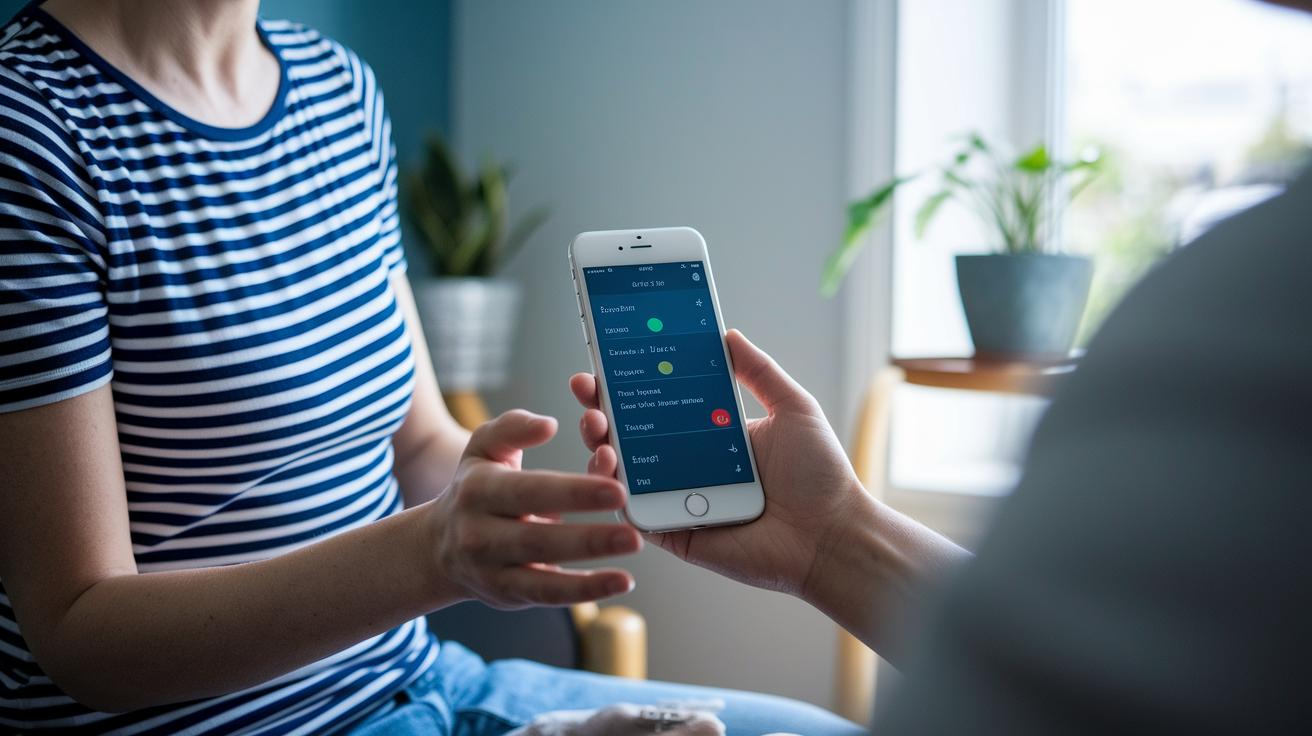
Your digital symptom diary gives your doctor a clear view of your everyday health. It lets them create a treatment plan just for you by showing details like pain levels, triggers, and what helps you feel better. This detailed journal makes sure nothing important is missed during your visit.
You can share your diary entries in different ways:
| Method | Description |
|---|---|
| Patient Portal | Securely send your records online |
| Secure Email | Email your doctor safely |
| Printed Summaries | Bring a hard copy to your appointment |
These options help log your health details and mix them with your provider’s records, while keeping your information safe. This sharing method also aids remote monitoring so your doctor always has the latest insights into your condition.
When you create a summary, focus on clear trends. Note changes in how often your symptoms occur, how severe they are, and any noticeable triggers or treatments that work well. This simple summary makes it easier to discuss your health during appointments and keeps your digital diary a helpful part of your ongoing care.
Keeping Your Digital Symptom Diary Consistent: Challenges and Tips
Sometimes, you might skip writing in your symptom diary when you feel fine. Busy days, being tired after work, or simple forgetfulness can make logging seem unimportant. Missing entries makes it hard to see changes or spot patterns over time.
To help you stay on track, try using simple tools:
- Set an alert or reminder on your smartphone at the same time each day.
- Use a quick-entry template that requires only a few taps.
- Try voice-to-text so you can record your symptoms hands-free.
- Keep input fields short and clear to reduce any extra steps.
Sticking with your diary every day gives big benefits. Regular entries help you see small changes and patterns. This detailed record makes it easier to talk with your healthcare provider and manage your health well.
Final Words
In the action now, you’ve seen how creating a digital symptom diary can empower you to track your health precisely. You explored setting up the diary, selecting the best tools, and designing features that make logging easy.
You learned how to keep your information secure, analyze your data, and even share it with your healthcare provider. Each step helps you notice trends and manage your condition better.
Keep tracking daily and stay positive, your careful record-keeping can lead to healthier decisions and clearer insights over time.
FAQ
Where can I find a free symptom tracker template or printable?
The free symptom tracker template or printable PDF lets you log daily symptoms with clear fields for date, time, severity, and notes. This format offers a ready-to-use solution for immediate tracking and pattern spotting.
What are some free symptom tracking apps that work as a medical diary?
Free symptom tracking apps let you record daily symptoms, triggers, diet, and medications on your smartphone. They provide user-friendly features like automated reminders and easy data input for consistent health monitoring.
How does the Symple symptom tracker app work?
The Symple symptom tracker app records multiple symptoms while offering dashboards, reminders, and privacy controls. It tracks details like symptom severity and triggers, making it a practical tool for ongoing health management.
How do I create my own symptom diary or wellness journal?
Creating your own symptom diary starts by choosing a format, setting up fields for detailed entries, and defining which symptoms and triggers to document. This approach helps you spot trends and share accurate health data with providers.
What is an electronic symptom diary?
An electronic symptom diary is a digital log for tracking health details like symptoms, diet, and medication use. It organizes your entries in a searchable format, making it easier to identify patterns and discuss them with your healthcare provider.
What is the best app for symptom tracking?
The best app for symptom tracking depends on features like usability, privacy, and data export options. Testing several apps can help you choose one that meets your personal needs for effective, routine health monitoring.