


Quick take: Tracking your body’s signals daily can boost your energy.
Ever wonder if the way you feel each day might give you extra energy? You can create your own toolkit to track symptoms and help guide your self-care. This DIY kit can include simple tools like a digital thermometer (a tool that takes your temperature) or a blood pressure cuff (a tool that measures your blood pressure), along with a basic notebook to jot down your numbers and feelings. By recording these details, you might notice trends before they become a bigger problem. Try building a set of tools that matches your health needs and supports better wellness every day.
DIY health toolkit for symptom tracking Boosts Vitality
A good health toolkit helps you keep track of your body's signals every day. You’ll need simple devices that can measure your key health numbers. A digital thermometer gives fast temperature readings. A blood pressure cuff shows both top and bottom numbers (systolic and diastolic). A basic pulse oximeter checks your blood oxygen level and pulse rate. Pair these gadgets with a notebook or printed symptom chart and a pen. Write down the date, time, symptom type, how bad it feels on a scale from 1 to 10, and any triggers you notice.
Digital tools like mobile apps and wearables make tracking easy. They can record your data automatically and remind you to log your details. Some even let you add photos or voice notes and calculate trends on their own. Still, a traditional notebook offers a flexible space to jot down your feelings without technical hassles.
Tailor your toolkit to your specific health needs. For instance, if you have a chronic condition, include spaces to track medication doses and side effects. Keeping a consistent record by logging your details every day builds a reliable history for you and your doctor. For more tips on staying organized, check out our step-by-step guide to keeping a symptom diary. This blend of digital and traditional tracking lays the foundation for smart self-care and better communication with your doctor.
Custom Symptom Diary Design for Your DIY Health Toolkit

Creating your own symptom diary helps you keep track of what matters most about your health. You can write in a paper journal, use a spreadsheet, or record data in a mobile app. Each choice has unique features. Digital trackers let you add photos or sound notes and do simple calculations for you. They also let you set up fields to record pain levels, medication doses, mood changes, and other details that relate to your condition.
A paper diary usually has columns for the date, the type of symptom, a severity rating (from 1 to 10), known triggers, and extra space for notes. You can make it your own by adding sections for things like exercise or sleep quality. A paper diary gives you full flexibility without needing technology. A spreadsheet lets you use basic formulas to see trends over time. Mobile apps can send you reminders and save your data online, though they might take a little time to set up.
| Diary Type | Pros | Cons |
|---|---|---|
| Paper Journal | Easy setup, no technology needed | No reminders, manual review |
| Spreadsheet | Uses formulas, printable records | Manual entry, not very mobile |
| Mobile App | Automatic reminders, cloud backup, built-in analysis | Privacy issues, initial setup required |
Integrating Digital and Analog Tools in Your DIY Symptom Tracking Kit
Use both digital tools and handwritten notes to keep track of your health safely and clearly. Sync data from wearables and apps with your paper diary for a full picture. Here are some easy steps:
-
Update your app automatically from devices like fitness trackers and smartwatches.
Example: Set your smartwatch to update your heart rate and sleep logs every evening so your diary matches the device record. -
Use the same time and date on all records so nothing gets mixed up.
Example: Write each entry with a 24-hour timestamp to line up your digital logs and handwritten notes. -
Choose storage that fits your privacy needs. Use encrypted local storage or a secure cloud backup, and print a chart for a quick, offline view.
Example: Keep sensitive data on a secure cloud service and print a weekly summary to see trends at a glance. -
Check both your digital and paper records often. If you notice any gaps, adjust your settings.
By mixing digital tools with analog notes, you create one unified tracking system that shows changes in real time without repeating old information.
Building a DIY Self-Care Log Project for Your Health Toolkit

Quick take: Use this log to track your daily health details so you can notice trends early and know when to get help.
If you have any of these signs, call your doctor immediately:
- Severe, sharp pain that won't go away
- Sudden changes in your symptoms
- Confusion or unusual weakness
A wellness ledger is a simple record where you can note both how you feel and what you do to care for yourself. It helps you track water intake, exercise, taking your medicine, and managing stress all in one place. For instance, if you get migraines, you might list what you ate, how many hours you slept, and how strong your headache felt, using a number from 0 to 10. If you have IBS, you can record your meals along with any stomach pain. This mix of symptoms and self-care actions lets you see clear patterns over time.
Physical Symptom Entry Fields
For each entry, write down:
- The date and time
- The type of symptom
- How bad it feels on a scale from 0 to 10
- How long it lasted
- Any possible triggers (like certain foods or stress)
This helps you build a timeline of your health. For example, note that a headache began at 2:00 PM, rated 7 out of 10, and lasted for 30 minutes after
Best Practices for Your DIY Ailment Tracking Template
Quick take: Tracking your symptoms every day helps you understand changes and know when to call your doctor.
Stick to a daily routine. Set a phone alarm or calendar alert so you never miss a note. Always include the time in your entry to see clear trends over days and weeks.
For each entry, focus on 5 to 7 key points. For example:
- Date
- Time
- Type of symptom (pain, dizziness, etc.)
- How long it lasted
- Severity on a scale from 1 (mild) to 10 (severe)
- Any triggers you noticed
This method keeps your log simple yet complete. Using the same 1–10 scale each time makes it easier to spot changes in your condition.
Try these tips to get the most out of your tracking:
- Choose a fixed time each day (like after dinner) to make it a habit.
- Use alarms or calendar reminders.
- Always record the exact time for better trend analysis.
Review your logs each week. Look for new patterns that may tell you when to get further help.
Leveraging Your DIY Health Toolkit for Effective Doctor Communication
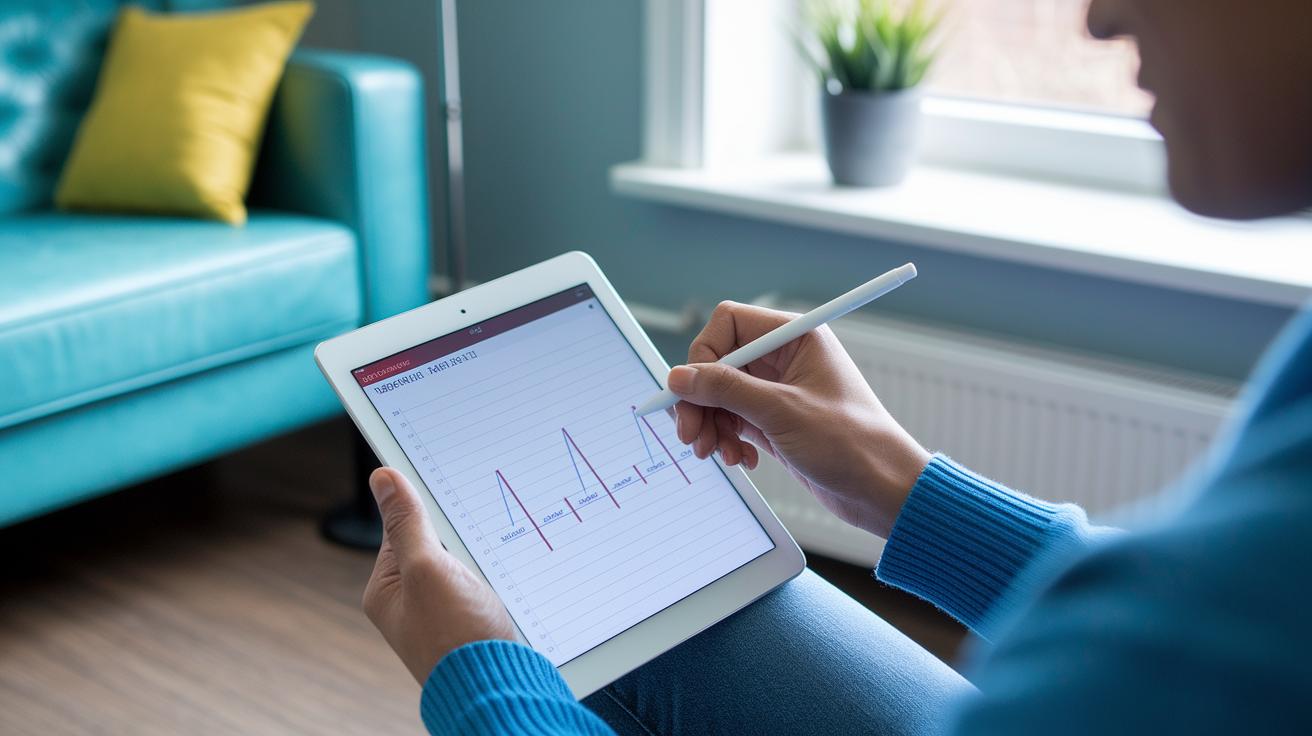
Quick Take: A clear symptom diary makes it easier for your doctor to understand and treat you faster.
Triage Box:
• If you have any severe or worsening symptoms, call emergency services right away.
• Otherwise, keep a detailed, easy-to-read record of your symptoms.
• Share your diary securely at your next visit.
Many health apps let you save your symptom diary as a CSV or PDF file. You can then upload this information through your patient portal or print it out for your appointment. Visual tools like a 30-day severity graph show how your symptoms change over time, helping your doctor adjust your treatment.
When you track your health, be sure to note:
• Date and time
• Type of symptom
• Severity (using a scale from 1 to 10)
• Duration and any triggers you see
These details help your doctor spot patterns. For example, if your headache always gets worse at the same time each day, your provider can better understand what is happening.
Keep your diary simple and clear. Use a safe method to share your record, whether that means printing it, sending a secure message, or uploading it to your patient portal. For more detailed steps, check out our guide on improving doctor communication with a symptom diary.
Final Words
In the action, you can build a DIY health toolkit for symptom tracking using everyday tools like thermometers, pulse oximeters, and simple diaries. Combining digital apps with paper records helps capture both numbers and feelings. Recording symptom details and self-care steps makes sharing your data with clinicians more straightforward. Keep regular track of key health metrics to spot patterns and decide on next steps quickly. Small daily efforts can make a big difference. Stay proactive and move forward with confidence.
FAQ
Q: Where can I find a free symptom tracker PDF download?
A: A free symptom tracker PDF download offers a simple, ready-to-use tool that lets you record your symptoms daily with fields for date, symptom type, severity, and triggers.
Q: How does a chronic illness or mental health symptom tracker PDF support health monitoring?
A: A chronic illness or mental health symptom tracker PDF supports monitoring by allowing you to record key symptoms over time, helping you identify patterns and share concise data with your healthcare provider.
Q: Where can I access free symptom tracker templates for Excel and Google Sheets?
A: Free symptom tracker templates for Excel and Google Sheets provide digital, customizable tracking tools that let you set up formulas and organize your symptom entries, ensuring consistent and easily sharable health records.