

Quick take: Emergency texts deliver urgent warnings in minutes, so you know how to stay safe when danger is near.
If you receive an emergency alert:
• It cuts through regular notifications.
• It tells you simple steps to protect yourself.
• It reaches nearly everyone fast.
Imagine getting a text right when you need it most, a warning about a severe storm or other threat. These messages break through the noise of everyday alerts to give you clear, direct instructions. They quickly alert you to take cover, move indoors, or follow other safety measures to protect you and your community.
This fast and focused approach can be a lifesaver when every minute matters.
Understanding Emergency Alert Texts: Definition and Purpose
Emergency alert texts are SMS messages sent quickly to many people to warn you about dangers that could impact life and health. They come with a high priority so they override your normal notifications. Research shows that 95% of these messages are read, with most being seen within 3 minutes.
These alerts are useful during events like severe weather, power outages, or other safety issues. If your phone supports it, the text can even become an audible alert using text-to-speech, meaning you can hear the warning.
The alerts work by sending messages through the mobile network to all devices in a specific area. This reliable system helps keep communities informed and safe. For example, if a storm is coming, you might get a text advising you to seek shelter immediately. These messages not only warn you about dangers but also give clear, simple steps to stay safe.
Emergency Alert Text: Stay informed, stay safe
Emergency alerts are sent through your mobile network so you get safety messages when they matter most. The system sends public SMS messages that skip usual filters, making sure you see important updates. Often, these alerts also come by automated calls and emails, boosting the chance you get the message.
Alerts can be sent using built-in APIs or custom connections. This means you may get safety messages not only by text, but also as wireless alerts when your usual network is down. Automated systems even let you set up crisis messages ahead of time to keep you prepared.
You can manage these alerts on your desktop or with mobile apps for iPhone and Android. These tools work even during power outages so you won’t miss an important notice. Some alerts even talk to you with text-to-speech, turning the message into audio.
- Receive updates on multiple devices
- Get both visual and audible alerts
- Enjoy built-in emergency features
Types and Examples of Emergency Alert Text Messages
Quick take: Emergency texts give you fast warnings about dangers and clear steps to follow.
If you see an emergency alert text, check these points:
- Life-threatening info (severe weather, fires, floods)
- Clear instructions to shelter in place, evacuate, or avoid hazards
- Urgent advice that needs a quick response
Emergency texts come in many forms to cover a range of serious situations. Your phone receives these messages quickly so you stay informed when every second counts. The alerts provide simple details and step-by-step actions to help protect you and those around you.
Here are some common types of emergency alert texts:
| Alert Type | What It Tells You |
|---|---|
| Winter storm SMS alerts | Expected heavy snowfall and icy roads; use extra caution. |
| Wildfire notification texts | Evacuation orders and safe zones to avoid danger. |
| Flood emergency SMS | Advice to move to higher ground and avoid low-lying areas. |
| Tornado warning texts | Instructions to seek shelter immediately. |
| Hurricane safety SMS | Steps like boarding up windows and preparing for high winds. |
| Severe weather text alerts | Broad updates that mix rapid changes with safety tips. |
Each alert is made to match its specific situation, so you know exactly what to do during a crisis. Stay alert, follow the instructions, and act fast when you receive an emergency text.
Configuring and Managing Emergency Alert Text Settings
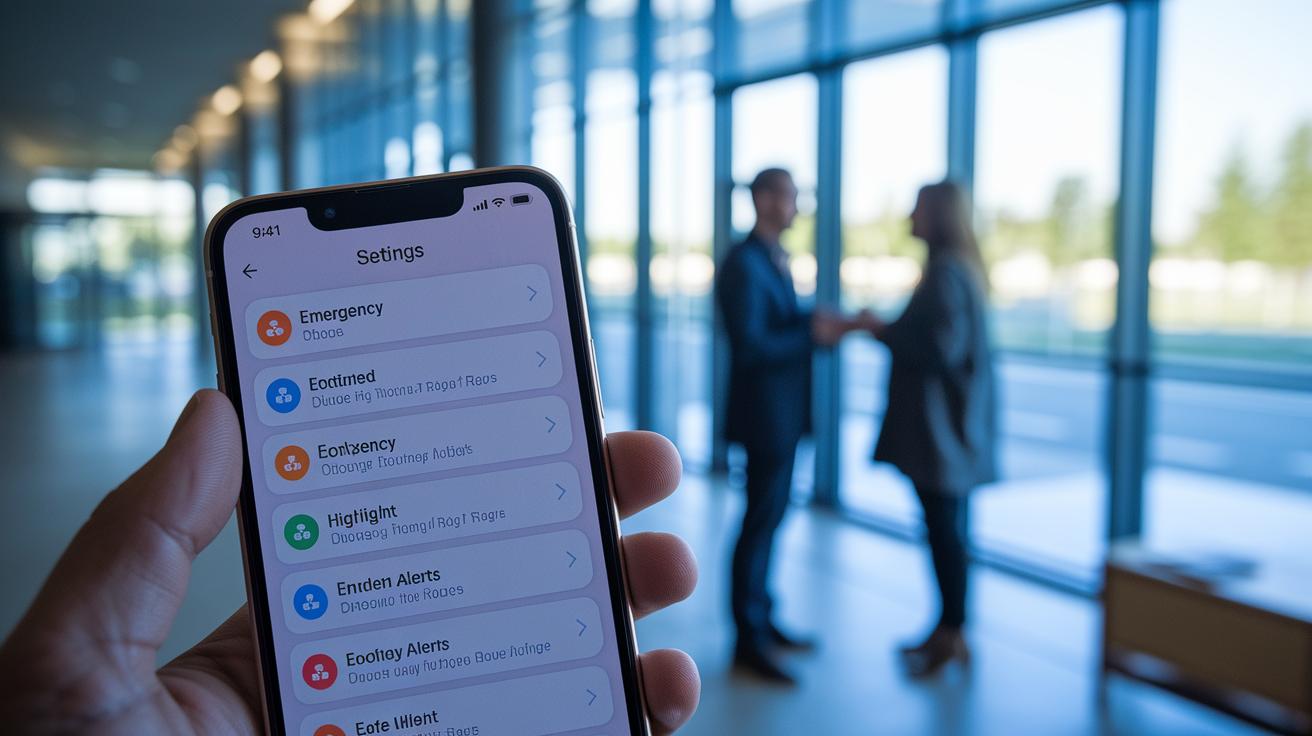
Adjusting your smartphone's emergency texts is simple. You can choose to turn these messages on or off based on what you need.
If you have an iPhone, tap Settings, then Notifications, and choose Government Alerts. This setting lets you see all the safety alerts you might need. If you use an Android device, go to Wireless & Networks and tap Emergency Alerts. You can also change the sound or vibration so alerts come through just right.
At times, you might want to turn alerts off if they feel too frequent or change your daily alert noise. Many systems even let you check past alerts on special websites. This history can help you understand what happened during past emergencies. With these settings, you decide how and when you get these important messages. Check your settings often to keep your alerts just right for your safety.
Ensuring Legitimacy and Security of Emergency Alert Texts
Emergency alert texts are built to keep you safe using strong, trusted methods. Commercial systems use 256-bit SSL encryption to scramble your data so only approved systems can read it. Regular PCI compliance scans add another layer of protection for your stored contact information.
Platforms follow the rules of the Telephone Consumer Protection Act (TCPA) by sending alerts only to numbers that are approved, which also helps avoid fines. They also use delivery reports to confirm that each emergency message is received, giving you extra peace of mind when you need it most.
Secure text alerts are made so you can trust that the message is genuine and accurate. Each alert is checked by a special messaging system. Think of it like a vault that opens only for the right key; only the intended user can access the alert.
Key safety measures include:
- Military-grade 256-bit SSL encryption
- Routine PCI compliance scans
- Delivery reports for every alert
- Strict adherence to TCPA rules
Government Wireless Emergency Alerts also offer free notifications that differ from commercial services. By combining strong technical safeguards with strict legal checks, you can be sure that your emergency alerts are both secure and legitimate.
Best Practices for Organizations Setting Up Automated Emergency Alert Text Systems

When you’re ready to set up an automated safety alert system, start by creating an account with a trusted provider. Pick a familiar local number that your contacts will recognize. Then import your contact list either by hand or with an Excel file. These steps set a strong base for sending emergency texts.
Next, craft messages that speak directly to your audience. Use scheduling tools to plan alerts exactly when needed. Take advantage of settings that let you send short 300-character texts and add images or links. This makes your alerts clear so people know what to do.
- Create your account and choose a familiar local number
- Import your contacts easily with Excel uploads
- Write short, clear messages and set a schedule
- Add personal touches, images, or links when needed
- Review delivery reports to confirm each alert was sent
It’s important to test your alert system on a regular basis. Run checks periodically without overloading your audience with too many tests. Remember that nearly 96% of Americans own cellphones. With a well-tested alert process, you can keep your employees and community informed and safe.
Final Words
In the action, we broke down how emergency alert texts work and why they're a key tool when lives are at risk. We explored delivery methods, shared common alert types, and explained how to set up and secure your emergency alert text settings. The guide also gave clear steps for organizations to send accurate, timely safety messages. Stay safe, keep your devices updated, and follow these practical steps to be prepared for any crisis. Remember, quick info can make all the difference.
FAQ
What was the emergency alert today and what did my phone show?
The emergency alert today is a notification sent to warn you about an urgent event in your area. It delivers vital details like location and safety instructions.
What are current emergency alerts near me?
Current emergency alerts near you are messages sent via your mobile network by local authorities to notify you of emerging dangers and provide clear steps to keep safe.
What is a test of the emergency alert system and when is it scheduled?
A test of the emergency alert system checks that the notification process works correctly. Tests are scheduled at specific times, typically announced ahead by local officials.
What is the CA emergency alert today?
The CA emergency alert today refers to notifications sent to residents in California regarding local hazards. These alerts include safety tips and instructions specific to your area.
What is an emergency alert extreme?
An emergency alert extreme is a high-priority notification that warns of a severe threat, prompting immediate protective actions to safeguard lives and property.
What are Wireless Emergency Alerts today?
Wireless Emergency Alerts are government-issued messages sent directly to your mobile device to warn you about imminent public safety risks, ensuring you receive timely and prioritized notifications.
What are the different types of emergency alerts?
Emergency alerts come in various forms, such as:
- Winter storm SMS alerts
- Wildfire notification texts
- Flood emergency SMS
- Tornado warning texts
- Hurricane safety SMS
- Severe weather text alerts
What is the message from 444444?
The message from 444444 may be a test alert code or specific identifier. Check with local authorities or your alert history for details on its meaning.
Why did I receive an emergency SOS text?
You received an emergency SOS text because your device picked up a signal from an urgent safety system alerting you to a possible imminent threat in your area.
How do I get emergency alerts for text messages?
To get emergency alerts, enable the relevant settings on your device. On iOS, go to Settings > Notifications > Government Alerts, and on Android, check Wireless & Networks > Emergency Alerts.