
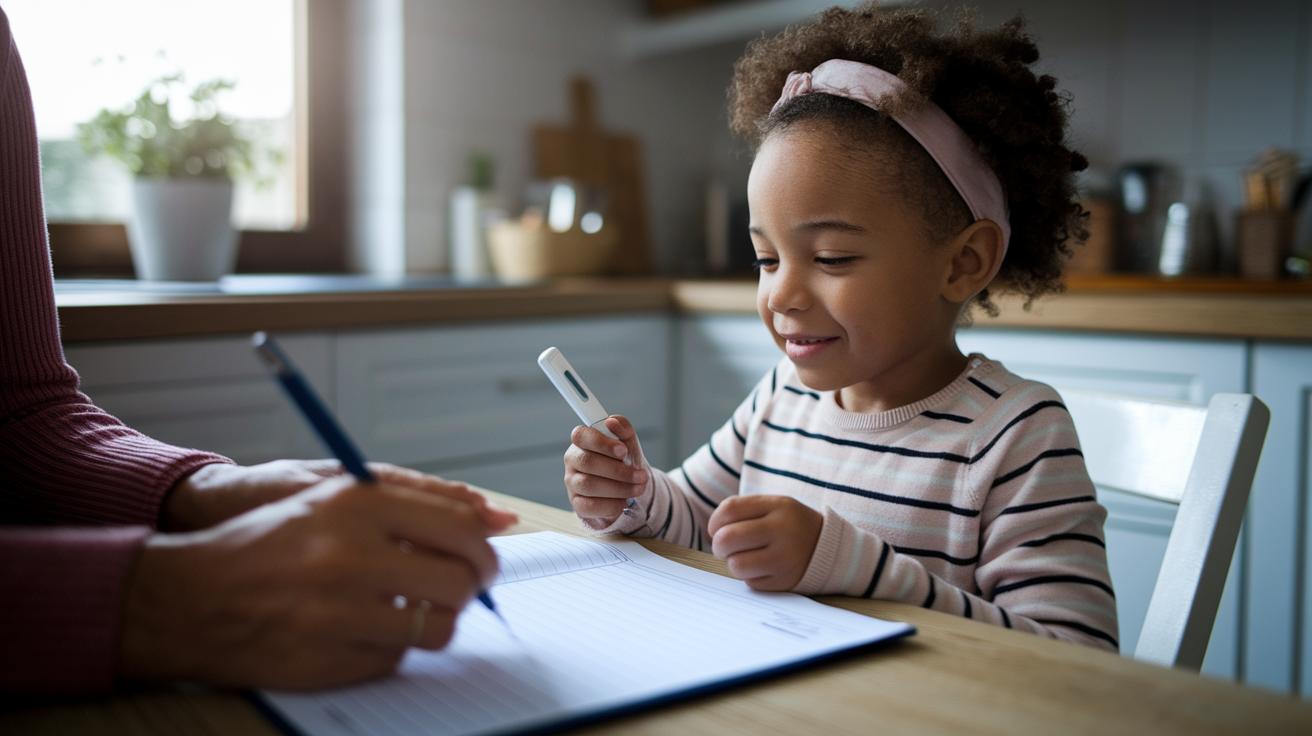

Quick take: Track your child's fever simply to catch small changes early.
If your child has a high fever (102 F or more), you notice unusual behavior, or their symptoms worsen, call your doctor right away.
Have you ever wondered if your fever records really show your child's health shifts? A clear log can catch small changes that might otherwise be missed. Our kid-friendly fever log lets you easily note the date, time, and temperature in everyday language. Whether your child has a mild fever or a sudden spike, keeping track of these details can alert you early to issues and help you share clear facts with your doctor. This simple tool puts you in charge, making it easy to record every step of your child's health journey.
Download and Customize Your Fever Log Template
This kid-friendly fever log makes tracking your child’s temperature simple and clear. Our printable templates come in Word, Excel, and PDF. Each form shows you where to write the date, time, and temperature (in °F) so you never miss an entry.
For example, you might see:
Date: __________
Time: __________
Temperature: _______°F
Accurate record-keeping can catch warning signs early, even when the fever seems mild. The layout is basic and easy to adjust so you can focus on your child’s health, not confusing forms. You even get clear screenshots that show how each part is arranged.
Download your preferred format today to ease your daily monitoring routine. These logs follow expert advice for reliable, stress-free tracking.
Step-by-Step Guide to Using a Pediatric Temperature Tracker
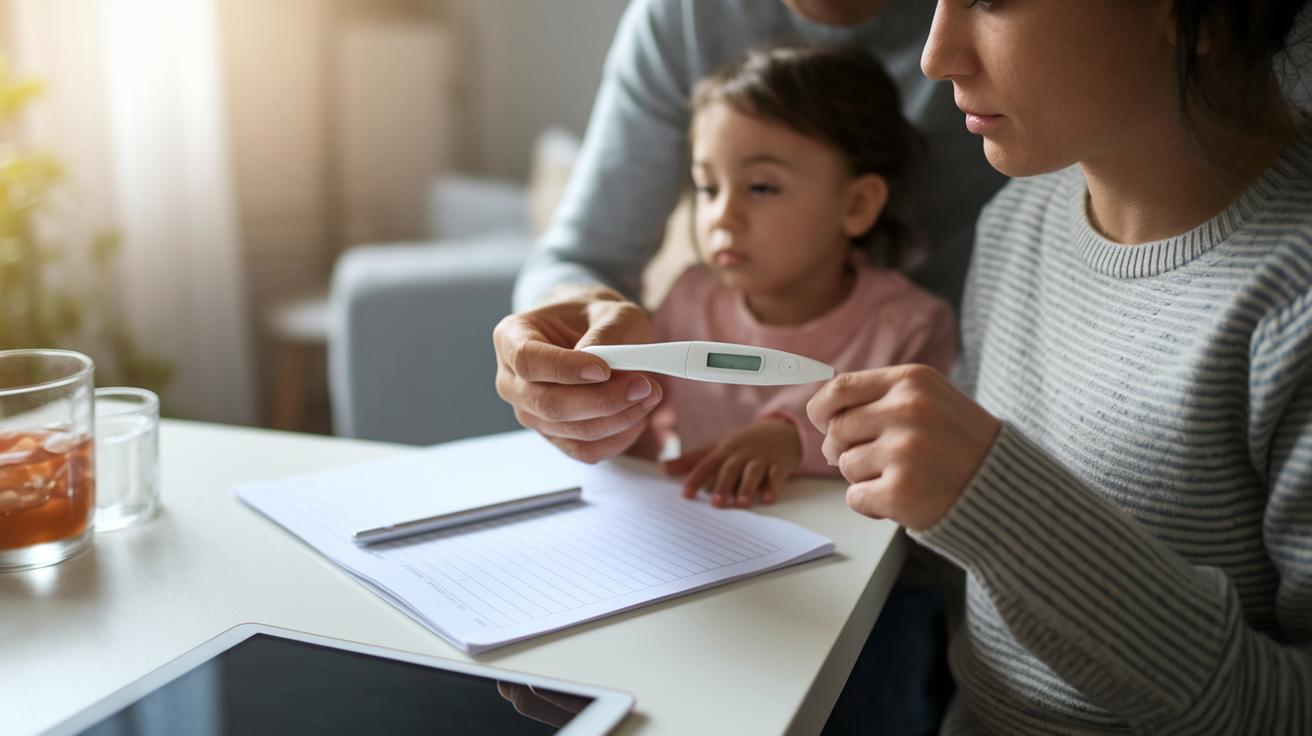
Keeping a daily log of your child's temperature helps you spot trends early and share clear details with your doctor. Recording readings regularly, at least once a day or three times when your child is more active or has taken medicine, ensures you catch any changes quickly. Accurate dates and times make your record trustworthy and easy to review.
- Choose your recording method. Pick either a paper form or a digital sheet that fits your routine.
- Measure the temperature. Use a reliable thermometer and try to check at the same time each day.
- Write down the date and time. Recording the exact moment of each reading helps you see trends clearly.
- Note any symptoms. Jot down signs like chills, sweating, or any changes in your child's behavior.
- Record any medicines given. Include the name and dose if your child takes a fever reducer.
- Save or print your log. Keep your records in a binder or digital folder to show your doctor.
Keep your log handy during doctor visits so you can easily share this important information.
Sample Entry in a Child Fever Diary
This is an example entry from a fever diary for a child. It shows how to record the date, time, temperature, and symptoms to make a clear daily chart. For example, on 2/24/2026 at 8:00 AM, an oral reading showed a temperature of 101.4°F. The diary notes that the child was irritable and had flushed cheeks. It also records that acetaminophen 160 mg was given and that water was offered. Some diary templates also include reminders during office hours (7:00 AM to 6:30 PM) for quick telehealth calls.
| Date | Time | Temp (°F) | Method | Symptoms | Medication | Notes |
|---|---|---|---|---|---|---|
| 2/24/2026 | 8:00 AM | 101.4 | Oral | Irritability, Flushed Cheeks | Acetaminophen 160 mg | Offered water |
Essential Fields in a Pediatric Temperature Monitoring Form

Record the date and time for every fever check. This helps you see patterns over hours or days and can show links between temperature changes and daily events or medicines. Doctors use these clear markers to spot when a fever spikes.
Include your child’s symptoms, such as chills or rash, along with details about any medicine given. Adding this extra information shows how your child’s condition might be changing and helps clinicians understand how treatment is working.
Ask each caregiver to add their initials and a short note with every entry. This makes it clear who recorded the information and explains any unusual changes or side effects. These details are very useful if your child's symptoms change or need further evaluation.
Customizing Your Fever Log Template for Kids’ Needs
Try adding fun pictures like clip art or simple icons to make tracking feel more like a game. Use color-coded rows to mark temperature ranges: green for safe, yellow for caution, and red for higher readings. For example, place a little thermometer icon next to each temperature mark or leave a spot for a smiley face sticker when the reading is normal. This playful design turns recording temperatures into an activity that feels fun rather than a chore.
You can also design your log with blank boxes for kids to add their own checkmarks or doodles on healthy days. Keep the visuals bright and simple so the log looks cheerful yet clear. For extra durability, print these templates on cardstock or laminate them. This way, the fever log stays strong and reusable for regular use, making it easy and enjoyable for both kids and caregivers.
Printable vs Digital Fever Tracking Chart Options
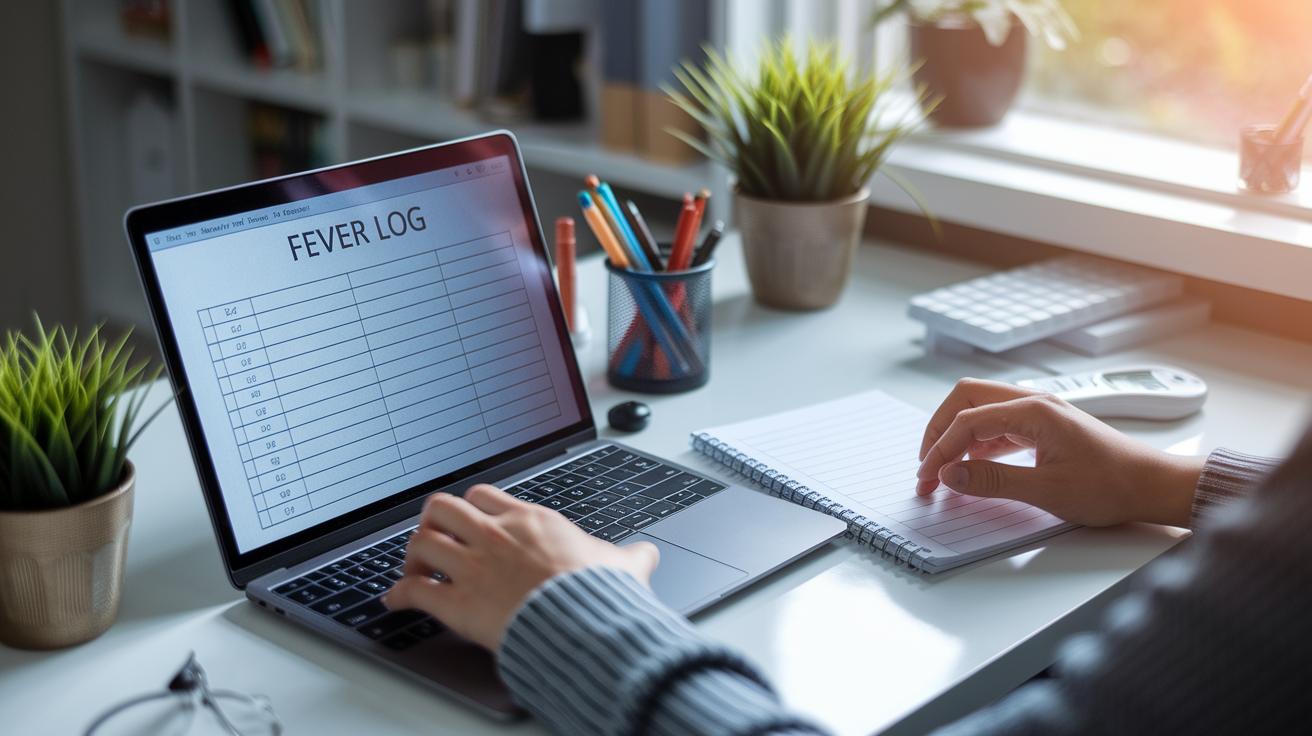
Digital fever logs offer a tech-friendly way to keep track of temperature changes. They let you record readings and automatically create graphs that show trends over time. You can choose a template in Word, Excel, or PDF. Some fever tracking apps even send reminders to help you remember each reading. This method works best if you like detailed charts and using technology to manage your data.
A paper fever log is simple and always ready to use. It works without needing batteries or internet access and can be printed out and hung on your fridge or kept in a binder. Many caregivers find it quicker to jot down readings on paper, and sharing a printed record with your doctor is easy. This option gives you a reliable way to keep your child’s temperature information handy whenever you need it.
Parental Guide to Fever Management and Log Sharing
Quick take: A sudden or unrelenting fever could mean you need to act fast.
If your child has any of these signs, call emergency services now:
• A fever that spikes quickly.
• A fever that stays very high (above 102°F) despite medicine.
• Other worrisome signs like severe chills or unusual behavior.
Use a fever log to keep track. Write down the exact temperature, the time, and any extra symptoms you notice. This clear record helps you spot dangerous trends quickly.
When you visit your child's doctor, whether in person or online, bring your updated log. This diary shows clear patterns and how well any medicine is working. Having your log ready makes it easier for the doctor to decide on the right care.
Keep updating your log regularly. It helps ensure your child gets the attention they need without delay.
Final Words
In the action, you learned how to download and customize a fever log template, followed by a clear step-by-step guide to recording your child's temperature. You saw a sample entry, learned the essential fields in a monitoring form, and discovered creative ways to personalize the tool. We also compared digital and printable options and explained how logs help with fever management. Using these tools can make tracking your child's health easier and boost confidence during doctor visits. Embrace the process and stay proactive with your fever log template for kids.
FAQ
What is a Fever Tracker app?
The Fever Tracker app is a tool that logs temperature readings and symptoms, helping you monitor fever progression and manage care effectively.
What is FEVER DIARY ATEEZ?
FEVER DIARY ATEEZ refers to a customized fever log template designed for tracking symptoms and temperature, making it easier for caregivers to monitor a child’s health.
What does the Fever logo represent?
The Fever logo represents a visual identity for a fever tracking tool, signaling a clear, user-friendly design that supports simple and effective temperature monitoring.