
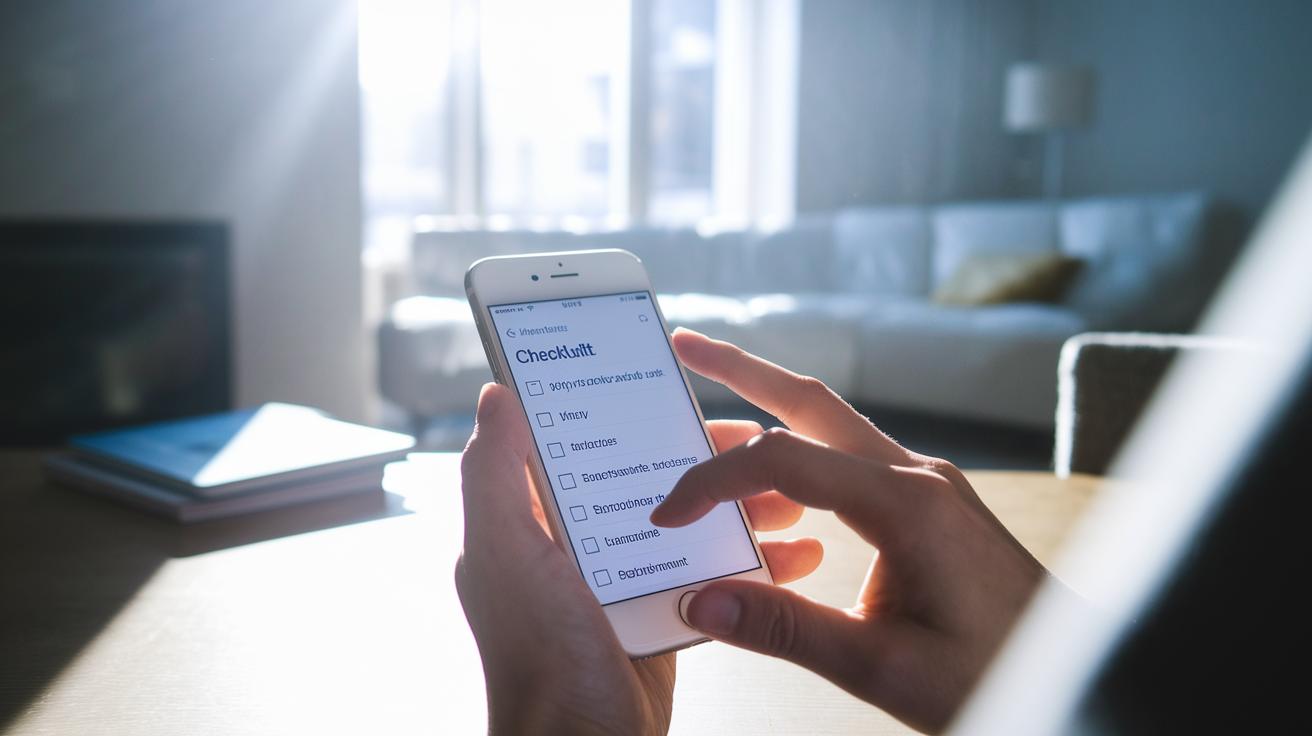

Quick Take: A health checklist app helps you track your daily numbers so you can notice changes early.
Have you ever thought that your phone might be as useful as a trusted friend when it comes to keeping track of your health? A simple health checklist app stores your daily notes, like a body temperature of 102°F (fever) or a heart rate of 72 bpm (beats per minute), to create a clear picture of your well-being. This app reminds you to check in on your health regularly so you can catch trends and adjust your routine before small issues become big ones. Read on to see how one handy app can power up your daily wellness and help you stay on top of your health.
How a Health Checklist App Transforms Your Daily Health Management
Think of a health checklist app as your daily self-care helper. It lets you track clear numbers like 102°F or 72 bpm along with notes about how you feel. The app offers forms you can customize to record important details and asks follow-up questions based on your answers. For example, you might set a reminder asking "Did you feel any pain today?" and then the app calculates your average pain score for the week.
You can also snap a photo of a red rash or record a short video if you feel dizzy. These quick captures help you and your clinician spot changes faster. With built-in reminders and notifications, you never miss a check-in, just like a daily alarm to log your temperature or confirm your medication.
Your privacy matters too. Some apps save your data right on your device, while others use secure cloud storage so you can choose what fits your privacy best.
Using a health checklist app every day turns your symptom notes into clear, actionable clues. By recording your health consistently, you can spot trends early and adjust your routine before issues get worse. This proactive tool helps you keep a close eye on your well-being.
Essential Features to Evaluate in a Health Checklist App
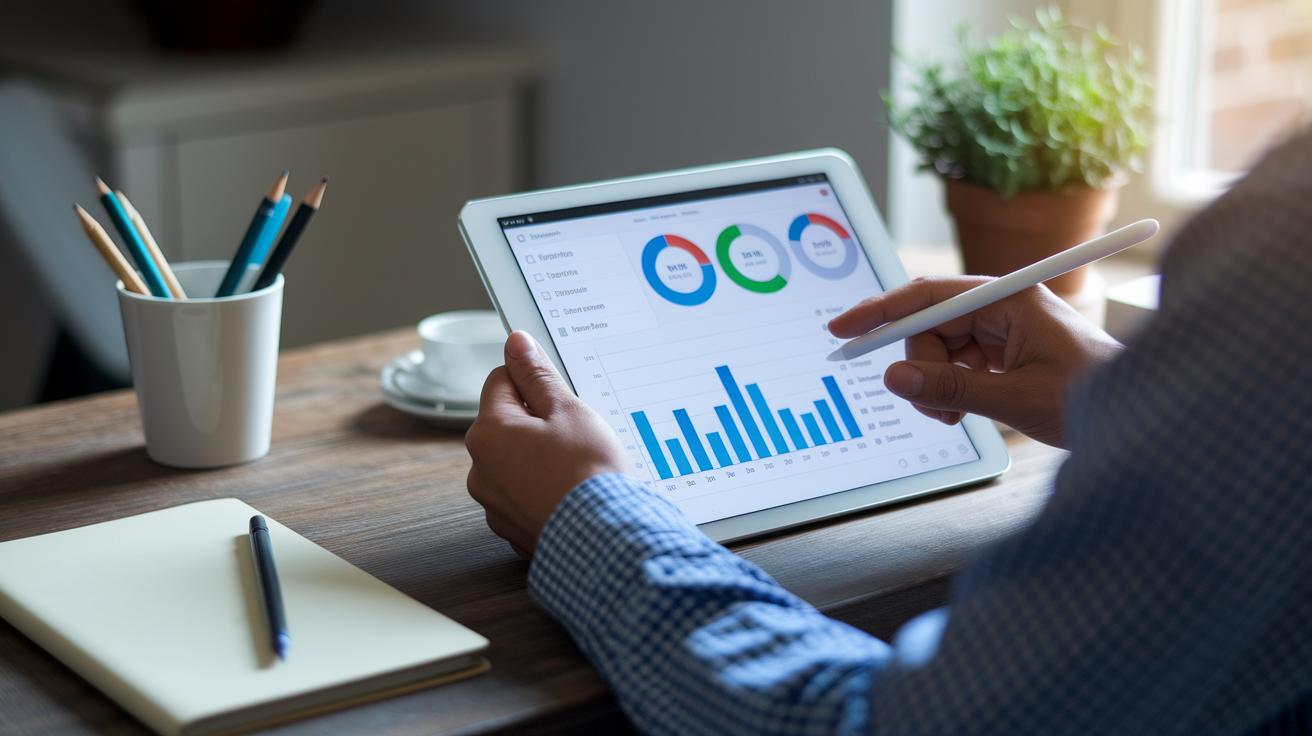
A great health checklist app helps you track your daily wellness in one simple view. It brings together your care dashboard, data organizer, and habit tracker so you can see your schedule, routines, and progress at a glance.
Top apps, such as Habitify, combine task lists with habit tracking. They let you set custom goals, monitor daily streaks, and view progress charts that turn your actions into clear trends. They even include community challenges to keep you motivated. With one dashboard, you can check everything, from your exercise log to your meal plan, without switching between apps.
Many apps now work with wearables (like smartwatches) and other health tools. This means your step count or heart rate can update your checklist automatically for real-time feedback.
Key features to look for include:
- Routine templates for quick setup.
- Goal-setting modules that let you personalize your plan.
- Timeline views to see your progress over days and weeks.
- Custom notifications so you never miss a check-in.
One user said, "When my app rings at 9 AM to remind me to record my blood pressure, I feel supported and in control." This smart blend of design, clear data, and personalized tracking keeps you informed and engaged with your health every day.
Step-by-Step Setup: Creating and Customizing Your Health Checklist
Quick take: You can quickly set up a custom health checklist using your favorite app.
Start by opening the app you choose and tapping the option to create a new checklist. This tool helps you keep track of your daily routines, like exercise, medicine, or noting any symptoms.
Next, set up clear sections. For example, create one area for your workout routine, another for medicine reminders, and a spot for symptom logs. Most apps let you drag items into a new order. You might even move your medicine module to the top for quick access in the morning.
Now, personalize each section. Use color codes to group tasks and add follow-up questions (questions that appear based on your answers). For instance, if you record a high temperature, you might see a new prompt asking if you felt chills. This extra step makes your symptom diary more accurate.
Add reminders and alerts next. Tap the reminder icon next to a section and set a specific time for each check-in, say, 9 AM for your medication alert. You can also attach photos or voice notes to capture more details.
Many users like to add their personal touch. Rename sections to match your daily routine and choose background colors that make the list fun to look at.
If you share your checklist, some apps like CareClinic let you invite family or caregivers with special permissions. Others, such as Tally by Treebetty, offer features like simple scoring and time stamps so you can track changes over time.
Finally, review and adjust your checklist often. Use the drag-and-drop feature to reorder tasks if your needs change, and check your notification settings each week. One user even shared that changing a reminder time helped them avoid missing an important dose during a busy day.
Follow these simple steps to stay organized with your health every day.
Pricing, Platform Availability, and User Ratings of Leading Health Checklist Apps
This table shows a side-by-side look at popular health checklist apps that can support your fitness journey and help manage chronic care. Each app’s cost, supported devices, and user star ratings are listed clearly. Use this simple guide to find an app that fits your budget and works with your device, whether you need a free tool or a premium option.
| App | Price Tier | Platforms Supported | Average Rating |
|---|---|---|---|
| Cronometer | Free | Android, iOS | 4.3 |
| Macrofactor | $9.99/month | Android, iOS | 4.0 |
| Flaredown | Free tier, optional premium | Android, iOS | 4.4 |
| Symple | Free tier, optional premium | Android, iOS | 4.1 |
| CareClinic | Free tier, optional premium | Android, iOS | 4.2 |
| Habitify | Free tier, optional premium | Android, iOS | 4.5 |
| Strava | Free tier, optional premium | Android, iOS | 4.6 |
| Studypages | Free | Web-only | 4.0 |
Review these details when you pick an app. Pricing options range from free to subscription-based, so there is something for every budget. App availability is important too; many work on both Android and iOS, while others, like Studypages, work only on the web. Star ratings, which go from 4.0 to 4.8, give you a quick look at how satisfied other users are. Use this guide to narrow your choices and select an app that fits your routine and device setup.
Comparing Top Health Checklist Apps and Their Integrations
These health apps help you track your wellness and sync with the fitness tools you already use. Habitify, for example, works with Google Fit, Apple Health, and Wear OS. This means your steps, heart rate, and sleep data from your phone or watch update automatically, giving you a clear view of your day.
Strava links with devices like Garmin and Fitbit so that if you run or cycle, your data is automatically recorded. One user said, "I love seeing my pace and distance without switching apps." This connection means your workout details follow you throughout the day without extra effort.
CareClinic connects to telehealth platforms so you can share your health logs with your doctor quickly. If you are managing a long-term condition, timely data sharing can help with better follow-up care by reducing the gap between daily tracking and expert review.
Tally offers export options that let you get your data in CSV or JSON format. This flexibility is useful if you keep detailed records or want to share your findings with a specialist.
Key features to note:
- Habitify: Syncs with leading fitness platforms to keep your metrics current.
- Strava: Works with essential wearable devices to automate your workout logs.
- CareClinic: Links your checklist with telehealth services for smooth clinician communication.
- Tally: Exports data into common formats like CSV and JSON for detailed tracking.
These apps also focus on keeping your information secure. Some use end-to-end encryption (which means your data is protected when stored and when sent), while others depend on your device's security. This matters if you handle sensitive health details.
By comparing these options, you can choose a checklist app that fits your health routine while keeping your data safe and easy to access.
Best Practices for Daily Use and Monitoring Progress in a Health Checklist App
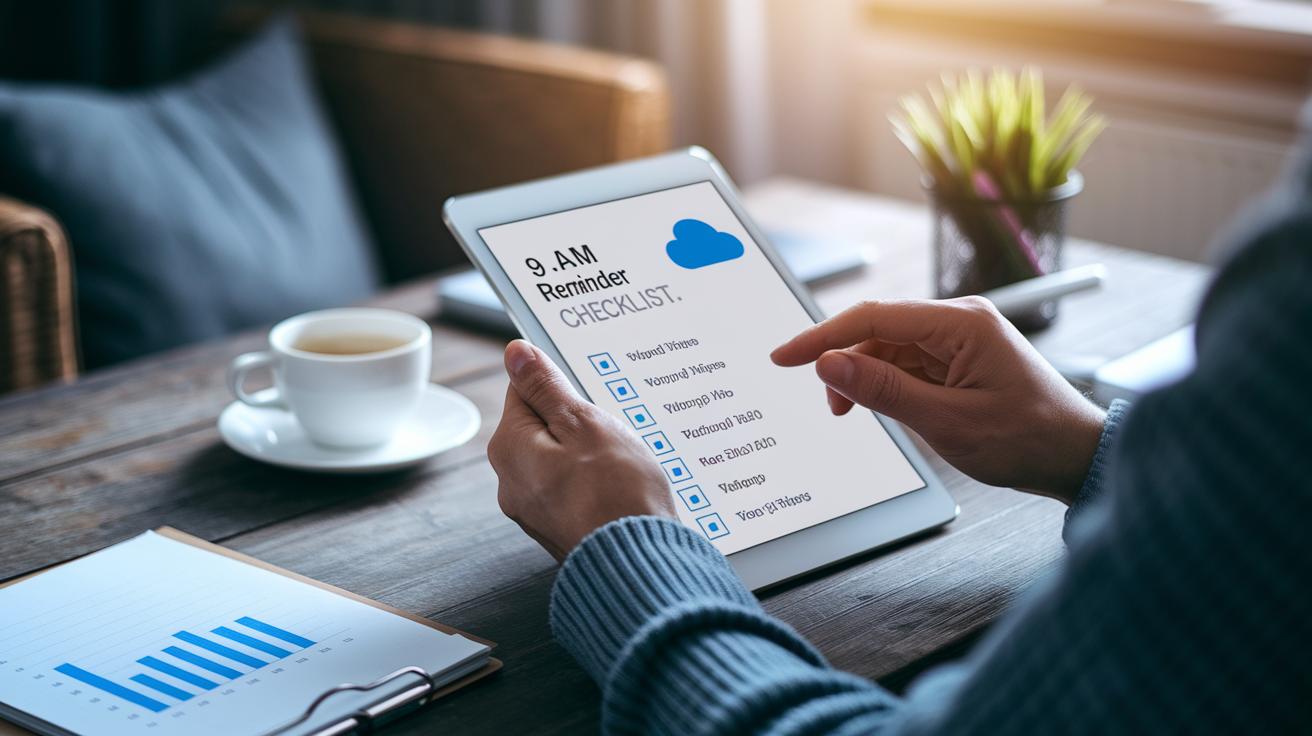
Set simple reminders and check your progress daily to boost your health routine.
- Use a fixed time, like 9 AM, to log your medication and other important tasks.
- Adjust your checklist each day to match your changing priorities.
- Save monthly reports to share with your doctor for a clear look at your progress.
- Back up your records using cloud storage or save them on your device.
- Participate in community challenges to keep motivated.
One user shared, "Seeing my progress chart update each morning pushed me to keep logging consistently."
Final Words
In the action, you explored how digital tools simplify daily health management. The blog broke down core features, pricing, and integration details to help you pick a reliable health checklist app that fits your routine.
You learned how to create custom checklists, set reminders, and secure your data while tracking progress. Stay proactive, keep your records clear, and use your new tools to support both self-care and clinician visits. Every small step makes a positive difference.
FAQ
What does a free health checklist app offer?
A free health checklist app offers tools to track your daily health tasks, set reminders, and log symptoms or medications without cost. It often includes secure data storage and customizable checklists.
How do I download a health checklist app for Android or iPhone?
Downloading a health checklist app means visiting your device’s official app store, searching for a trusted app, and reading user reviews before downloading. This process ensures compatibility and secure functionality.
What is the best app for a daily checklist or keeping track of health?
The best daily checklist apps combine customizable logging, timely reminders, and integration with wearable devices. They help you monitor your health consistently, providing clear results and data that support proactive self-care.
Where is the health checklist on an iPhone?
On an iPhone, the health checklist can be found within the built-in Health app, usually organized by tabs or widgets. Explore the Health dashboard or check the app settings to locate your personalized checklist.
Is there an app that tells you how healthy something is?
Some apps analyze nutritional or activity data to score the healthiness of items, offering a quick overview. While helpful, these apps should be used alongside professional advice for a complete health assessment.