


Quick take: A triage flowchart sorts patients fast so those with urgent needs are seen right away.
Have you ever wondered how hospitals decide who needs help first? They use a triage flowchart, a clear, step-by-step guide that groups patients by their symptoms. This simple tool checks signs like pain, fever, or shortness of breath (trouble breathing) and helps staff know who needs care now and who can wait a bit longer. In this post, we explain what a triage flowchart is, how it works, and why it is key to making quick, life-saving decisions.
Understanding Triage Flowcharts: Definition, Purpose, and Core Uses
Quick take: Triage flowcharts help you sort cases fast to decide who needs help immediately.
A triage flowchart is a step-by-step guide that sorts situations by how urgent they are. It breaks things down into five simple steps: assessment (checking symptoms), categorization (grouping similar issues), prioritization (deciding who needs help first), assignment (sending cases to the right place), and closure (finishing the process). This method works well in hospitals and even when businesses handle urgent incidents.
For example, when someone calls about their health, the flowchart might ask if the symptoms suggest a serious injury or a medical issue. Depending on the answer, it shows you the best action to take. This clear visual guide helps you see quickly who needs a same-day appointment or even emergency care.
Flowcharts make it easier for clinicians and nurses to work fast and safely. They prevent delays by ensuring that every case is reviewed and handled based on how serious it is. The goal is simple: keep the process efficient so that critical cases get immediate attention while others move smoothly through the system.
| Step | Description |
|---|---|
| Assessment | Check symptoms and the situation |
| Categorization | Group cases by type |
| Prioritization | Decide who needs help first |
| Assignment | Send cases to the right care area |
| Closure | Complete the process |
Key Components and Design Principles of a Triage Flowchart
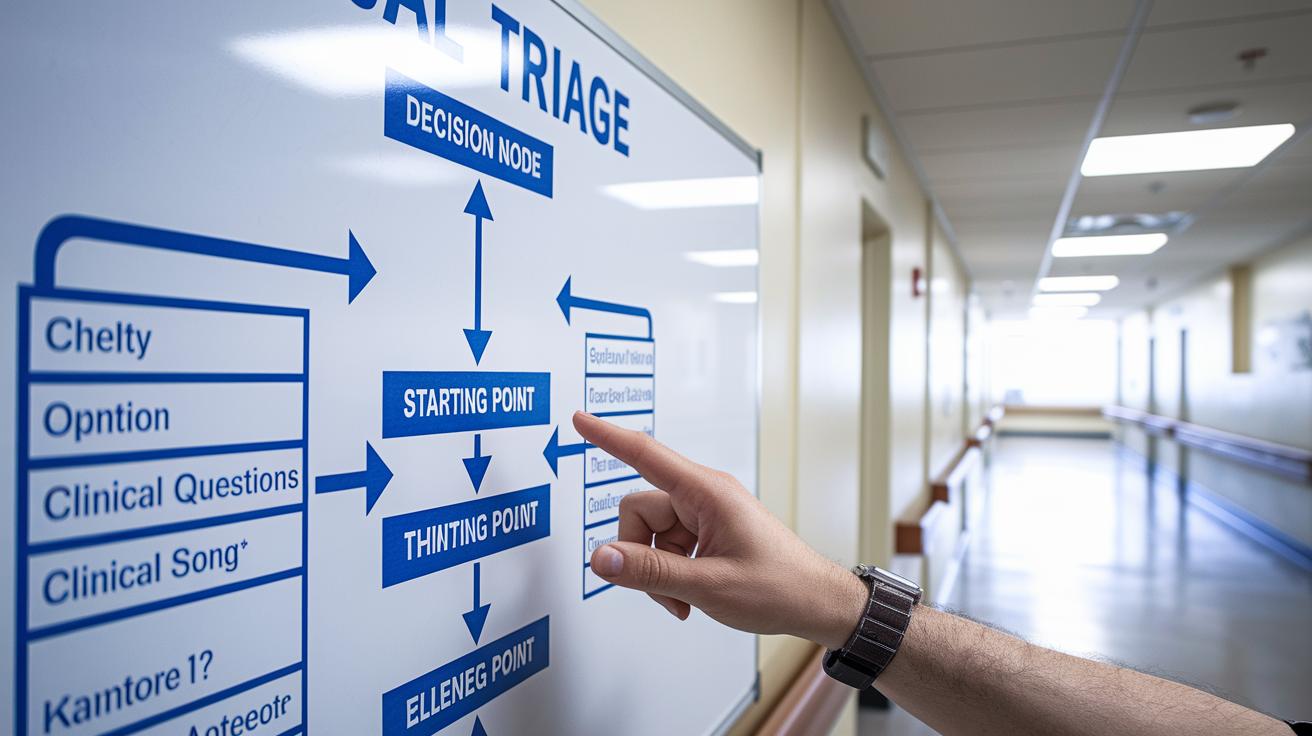
A triage flowchart is a simple visual tool that helps you make fast and clear decisions in an emergency. It breaks the process into a few basic parts: a starting point, decision nodes, process nodes, and an ending point.
The starting point is like an entry door. It tells you when a case enters the triage process. Next, decision nodes ask clear clinical questions such as, "Is the injury severe or does it affect vital signs like heart rate (beats per minute)?" Sometimes, you might even get questions over the phone. A common one is, "Is the airway clear?" This helps decide what step to take next.
After the decision points, process nodes list the actions you need to take, like checking vital signs or noting injury details. The chart then splits into clear paths based on the situation, whether it is a trauma, a medical issue, or another type of emergency. Each branch is labeled so you can quickly see which category fits.
Finally, the flowchart ends when a clear decision is reached, such as referring someone to emergency care or arranging a same-day appointment. Standard guidelines in sample triage policies help maintain consistency with symbols and steps. This clear, step-by-step design helps every team member follow the same decision tree, keeping patient safety as the top priority.
Steps to Create a Triage Flowchart with Diagram Assembly Tips
This guide shows you how to build a clear flowchart that quickly sorts cases by how urgent they are. It helps you set the rules, plan each step, and test the chart with real examples.
Start by deciding what the chart should cover and which warning signs to look for. Next, set up groups or categories for your cases. Then, draw paths with yes-or-no questions that guide your decisions. Use the same symbols every time to avoid confusion. Test the flowchart using actual scenarios to make sure each decision works well. Finally, update your chart based on feedback and training sessions.
- Identify the scope and triage criteria.
- Define categories for clinical cases or incidents.
- Sketch flow paths with clear decision questions.
- Use consistent symbols throughout.
- Test the chart with real-life examples.
- Revise the chart based on feedback and training.
| Symbol | Description | Example Use |
|---|---|---|
| Oval | Start/End | Kick off triage |
| Diamond | Decision | Is the airway clear? |
| Rectangle | Process | Record vital signs |
| Arrow | Flow line | Move to the next step |
| Document | Policy reference | Check guidelines |
| Manual input | User action | Enter patient data |
Applications of Triage Flowcharts in Emergency Management and Clinical Settings

Triage flowcharts help emergency teams sort cases fast. At clinics and hospitals, these charts guide quick sorting of same-day urgent appointment requests, whether by phone or in person. They also help during phone triage by suggesting clear questions about injuries, medical problems, or other emergencies. For example, if a caller mentions severe pain or heavy bleeding after an accident, the flowchart tells staff if immediate care is needed.
In clinics, the flowchart maps how urgent a patient’s need is. It sorts cases by risk. High-risk cases, like stabbing, shooting, or major injuries, are sent for immediate care. It also sorts crisis cases by guiding staff: first, check patients; next, note how bad the symptoms are; and then decide the proper care level.
When patients arrive, the flowchart shows the right care path. It helps staff group patients by condition so they make quick, efficient decisions. This method follows nurse guidelines and emergency policies while reducing uncertainty during busy times.
Using a flowchart cuts delays and keeps team communication clear. It breaks down decisions into simple steps, ensuring every case is handled safely and consistently. This approach helps use resources well and speeds up care in both emergency and routine settings.
Guidelines and Criteria for Effective Medical Urgency Mapping
Triage flowcharts help you quickly decide who needs help right away and who can wait. There are five urgency levels: emergency care, care within 10 minutes, care within 30 minutes, review within 1 hour, and routine follow-up. These levels are based on checking key things like airway, breathing, and circulation (how well blood moves) along with other warning signs.
Each level uses standard rules so that clinicians can rank how serious a case is fast. For example, if a patient has severe trouble breathing, the flowchart directs you to treat it as an emergency right away. On the other hand, milder symptoms might fall into the 30-minute or 1-hour groups, letting you safely schedule care. This step-by-step method minimizes waiting and makes sure resources go to those at highest risk.
Following these clear guidelines ensures every decision is based on measurable signs and clear priorities. This approach supports quick, decisive care and helps everyone get the right treatment at the right time.
Troubleshooting and Refinement Techniques for Triage Flowcharts

Quick take: Review your flowchart to keep decisions simple and fast.
Triage Box:
• Confusing branches hurt quick choices.
• Unclear questions may delay care.
• Outdated steps can lead to errors.
Troubleshooting starts by spotting common issues. Too many branches can confuse staff, and unclear questions slow everything down. Regular feedback from training and drills shows where problems lie. When you see a bottleneck, merge similar steps and remove extra ones. This makes the process smoother and helps avoid mistakes in assessing a patient’s condition.
Use training feedback to make improvements in real-life situations. Write down issues noted during sessions and match them against your current flow. Ask yourself if each decision step is clear and needed. Adjust or remove any step that does not work well. Keep a log of all changes in your triage policy. This log not only shows improvements but also helps when you create new protocols.
Review your flowchart regularly to make sure it still works as intended. Ask frontline staff for suggestions after drills or patient interactions. Routine revisions and clear record-keeping keep the flowchart efficient, easy to follow, and up-to-date with best practices in emergency care management.
Final Words
In the action, we broke down key ideas on what is a triage flowchart. We explored its definition, core elements, and step-by-step assembly tips. The guide showed how careful design aids clear decision-making in emergencies and clinical settings. We also covered practical troubleshooting techniques for refining these tools. Clear steps, visual cues, and real-case checks ensure the process is both safe and actionable. Keep this guide close as you work toward improved patient priority systems, and remember that every step moves you closer to more confident care.
FAQ
Q: What is triage and what does the triage process mean?
A: The triage process means sorting patients or cases by urgency. Triage is the method of quickly assessing conditions so that those with critical needs receive immediate care.
Q: What is a triage workflow and can you give an example of a triage system?
A: A triage workflow outlines step-by-step processes for patient evaluation. An example system maps decision points that help providers rapidly determine if a case is critical, urgent, or routine.
Q: How do you perform a triage assessment and what are triage categories?
A: Performing a triage assessment means quickly checking symptoms and assigning urgency. Triage categories group cases as immediate, urgent, or routine, ensuring that critical issues get prompt attention.
Q: What are some examples of triage charts, including emergency and GP reception flowcharts?
A: Triage charts visually guide the assessment process. Emergency and GP reception flowcharts use standardized symbols to help staff quickly identify high-risk conditions and decide next steps.
Q: What is a patient flowchart in triage and how are patients triaged in a clinic?
A: A patient flowchart maps the journey from check-in to treatment. In a clinic, triaging involves evaluating patients, categorizing their needs, and directing them to the appropriate care area.
Q: Where can I find a triage chart pdf for guidance?
A: A triage chart pdf is a downloadable document that offers a template or example of a triage chart. It provides healthcare professionals with a visual reference for standard assessment processes.